
50+ Free Marriage Biodata Templates & Formats
Create a professional marriage biodata in minutes using beautifully designed templates for every community. Personalize details, photos, colors, and language to match your preferences.
Showing 45 Templates
Ornate Temple Parchment Marriage Biodata
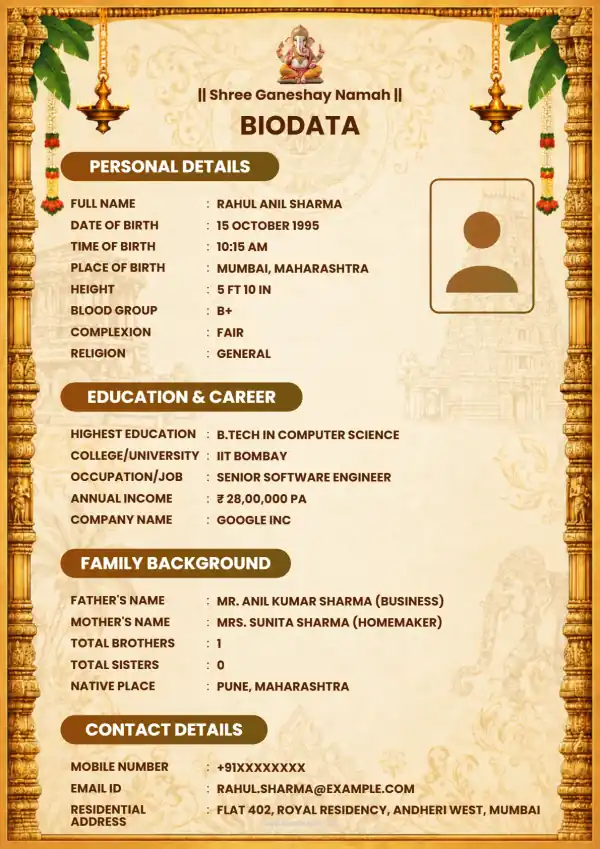 ₹79
₹79Ornate Maroon Hindu Festival Frame
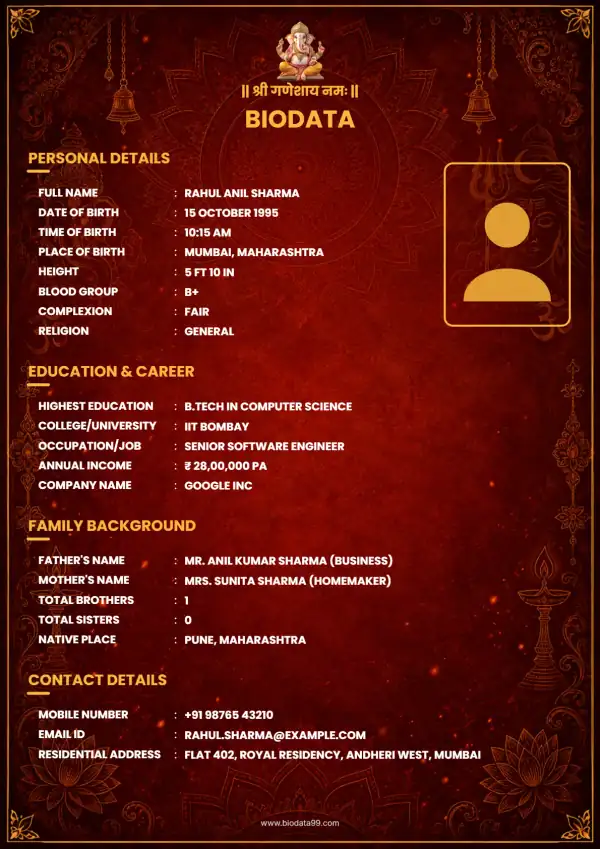 ₹79
₹79Ornate Golden Indian marriage biodata
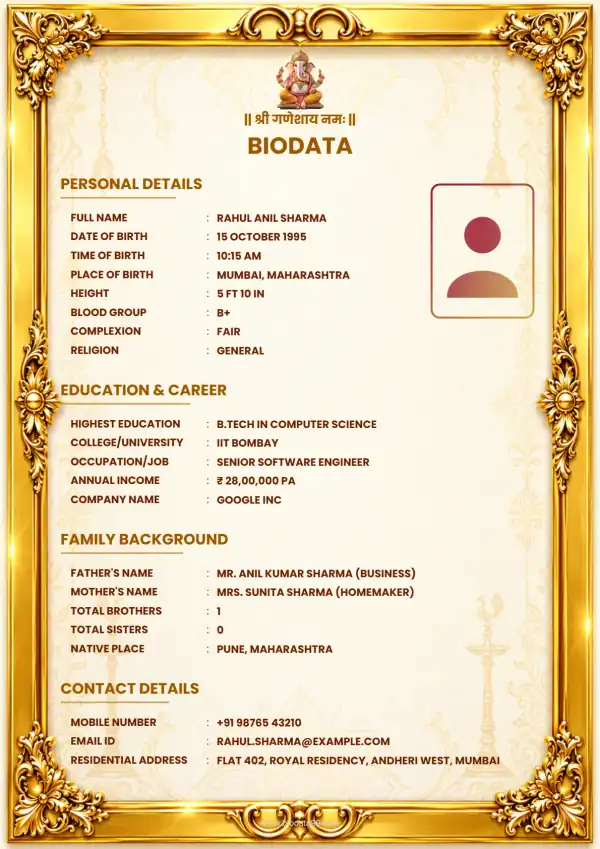 ₹79
₹79Elegant Islamic Certificate Border
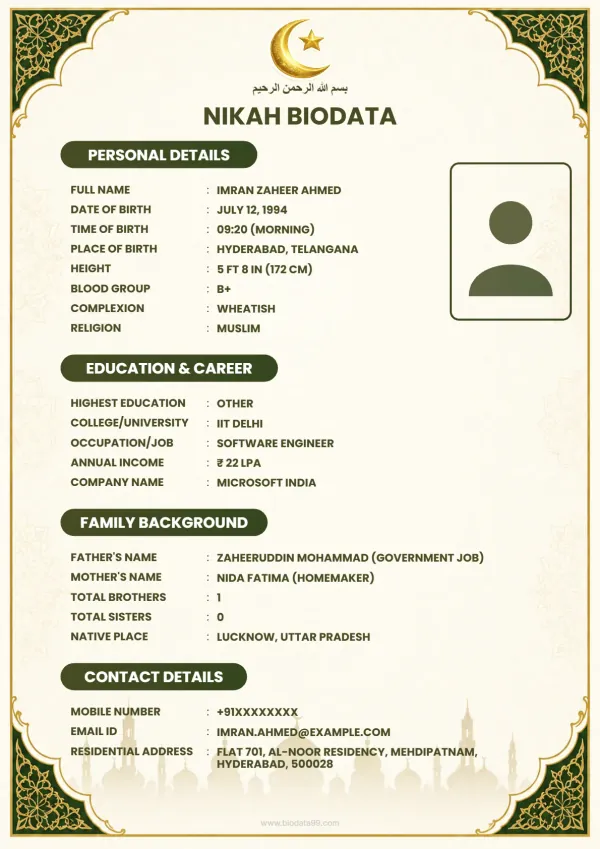 ₹79
₹79Modern Minimalist Kannada Biodata
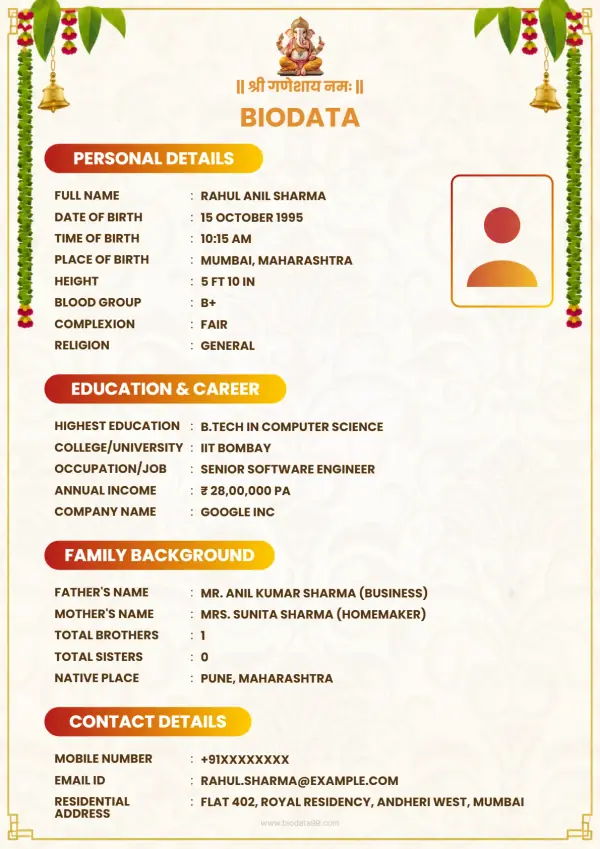 ₹79
₹79Ornate Teal and Gold Invitation
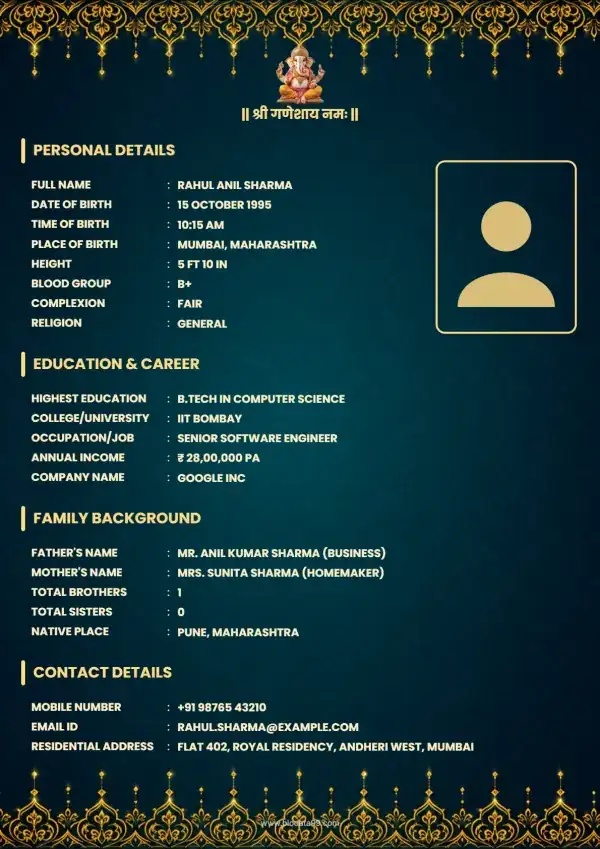 ₹59
₹59purpl and Gold Ornamental Bidoata Format
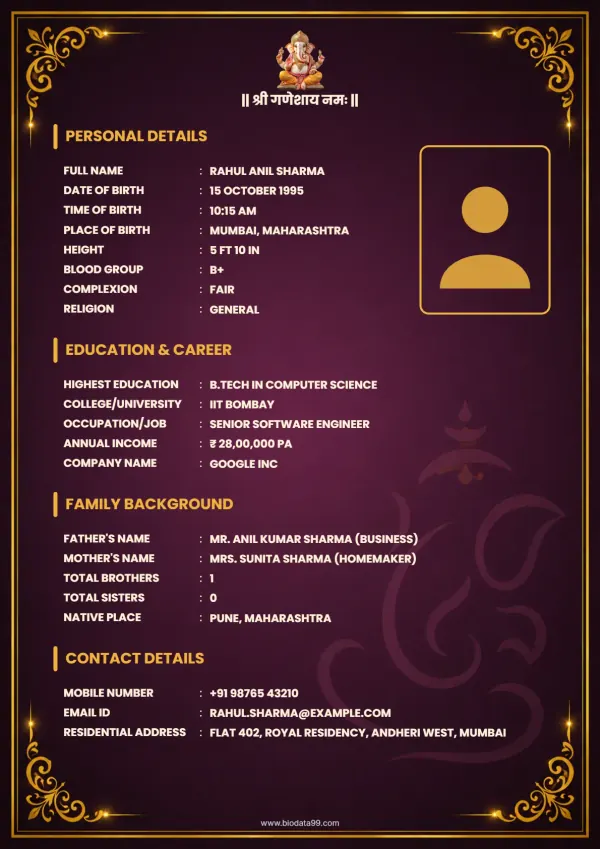 ₹79
₹79Elegant Art Deco Stationery
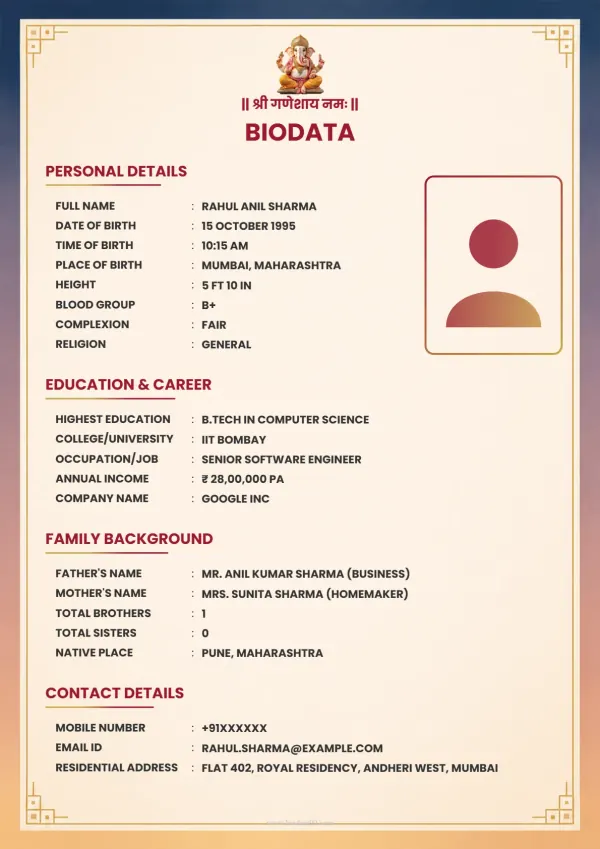 ₹49
₹49Elegant Art Deco Stationery Frame
 ₹59
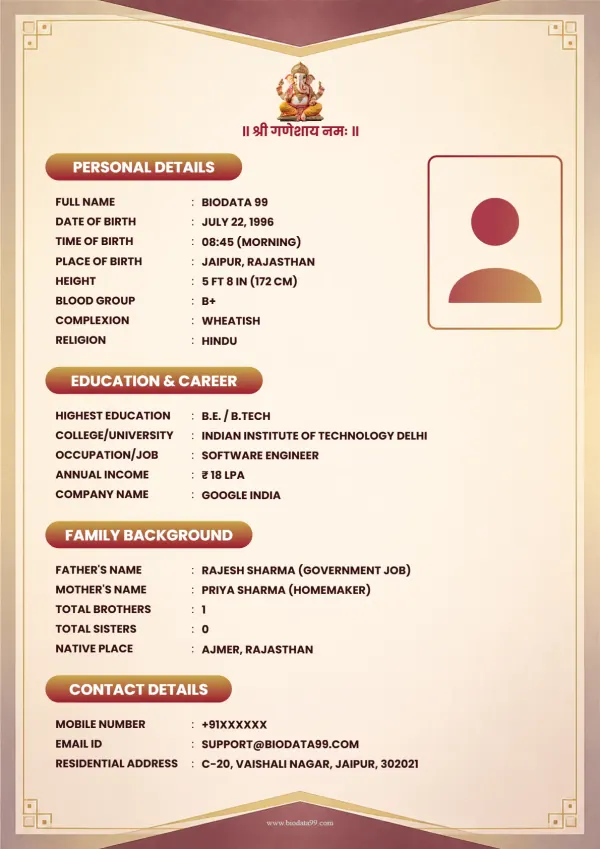
₹59Elegant Olive-Gold Certificate Frame
 ₹49
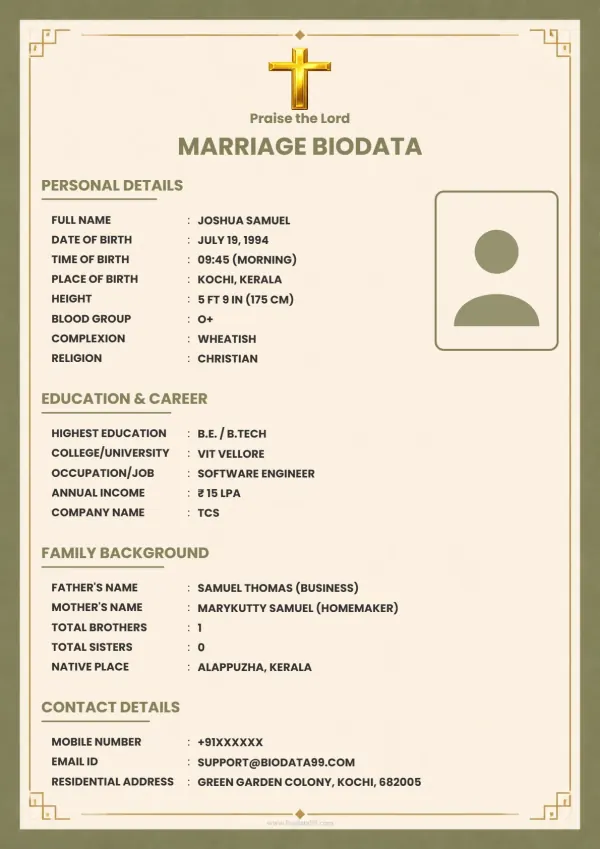
₹49Faithful Grace
 ₹59
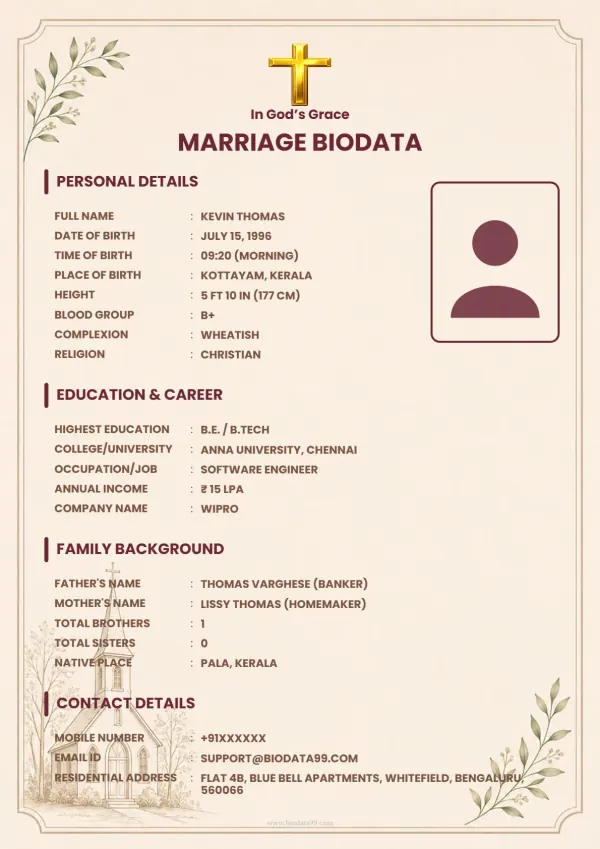
₹59Graceful Blessings
 ₹59
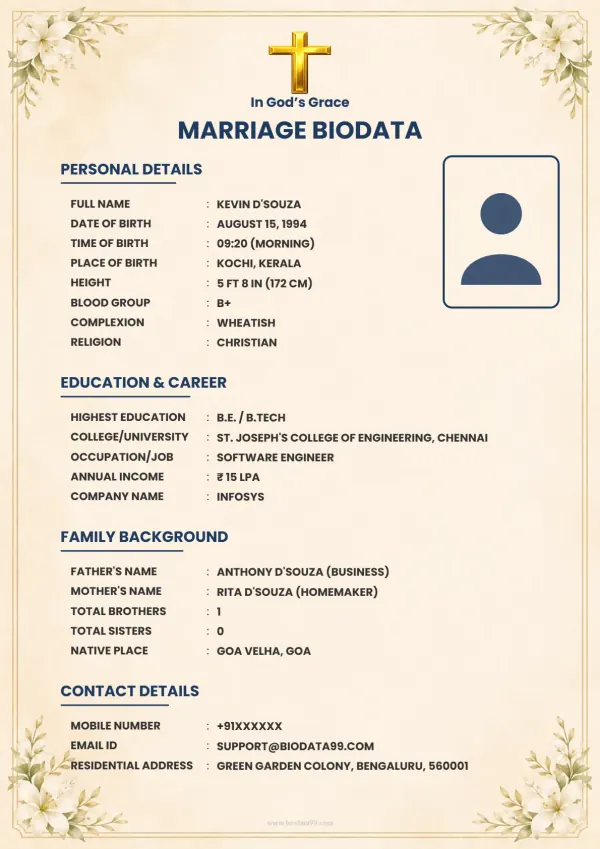
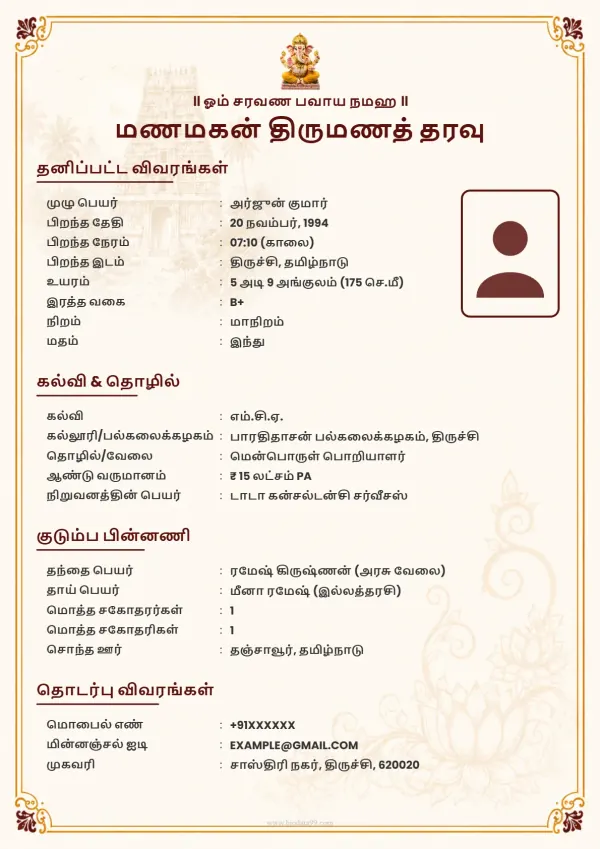
₹59Royal Crimson Arch Gold Tamil
 ₹49
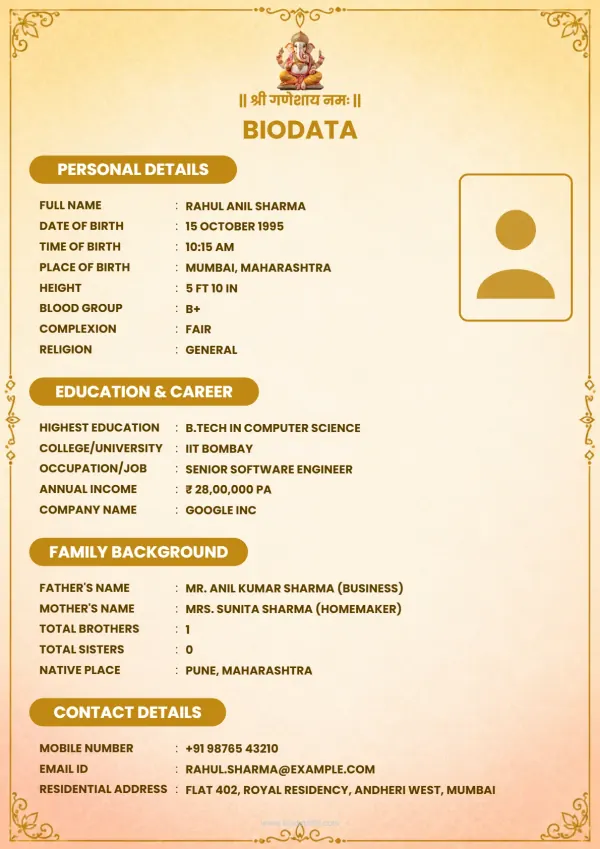
₹49Regal Arch Golden Dawn
 ₹49
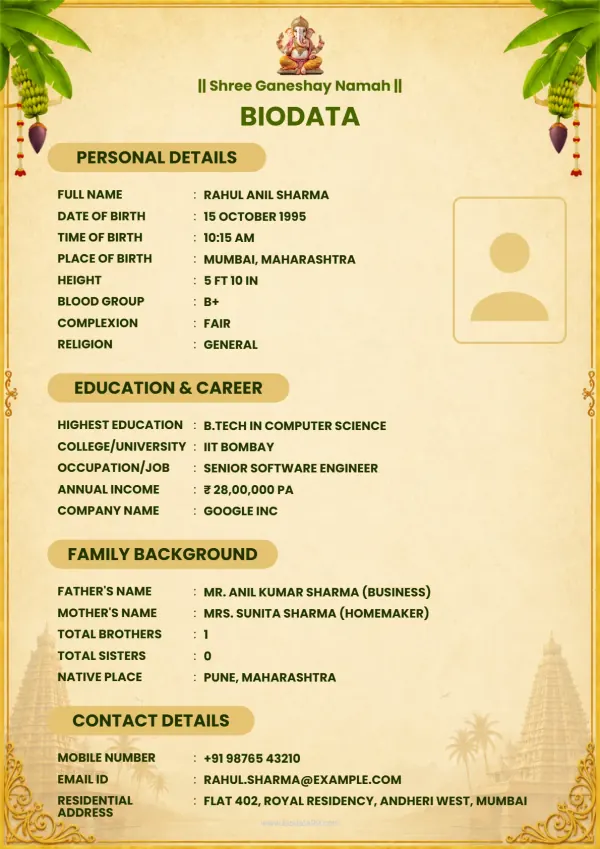
₹49Rajwadi Shubh Pravesh
 ₹49
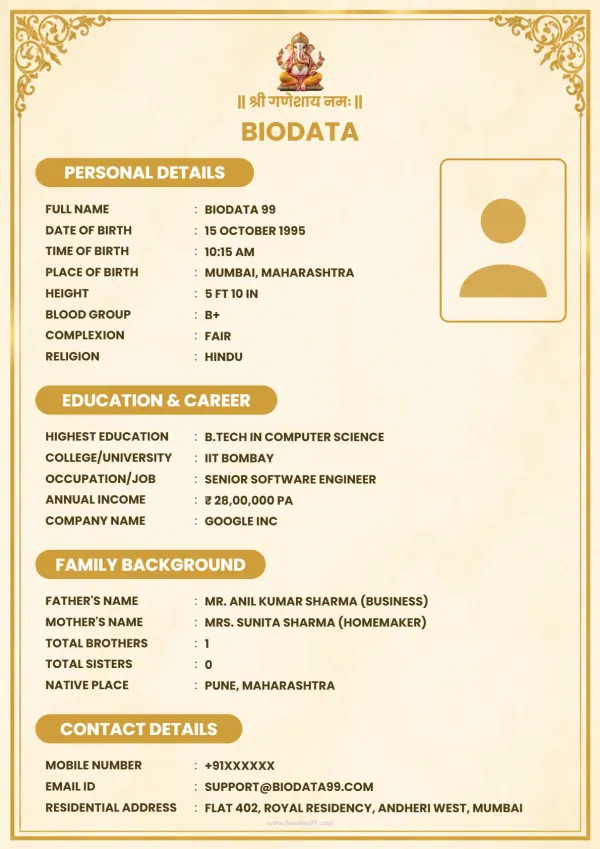
₹49Navya Swarn Dwar
 ₹49
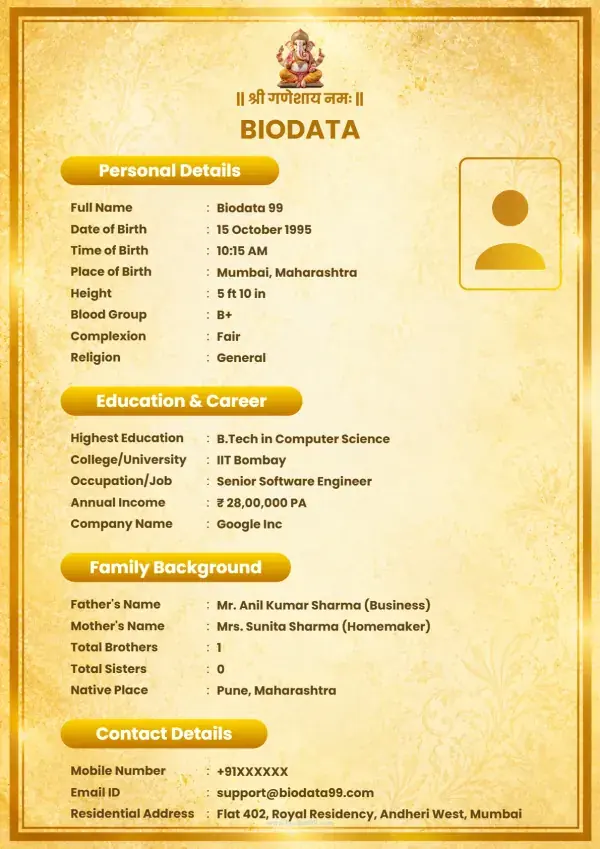
₹49Crimson Arch Bespoke
 ₹49
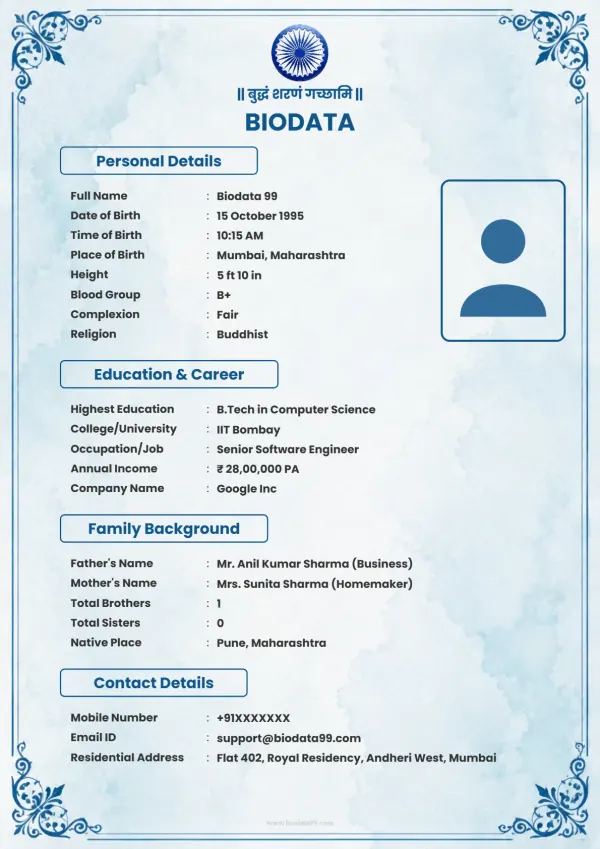
₹49Elegant Blue
 ₹49
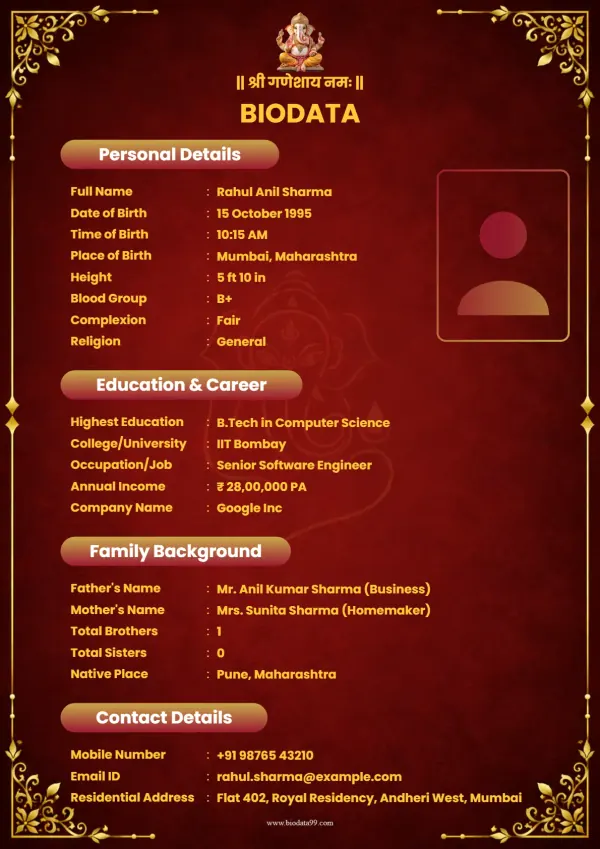
₹49Gilded Arch Vista
 ₹49
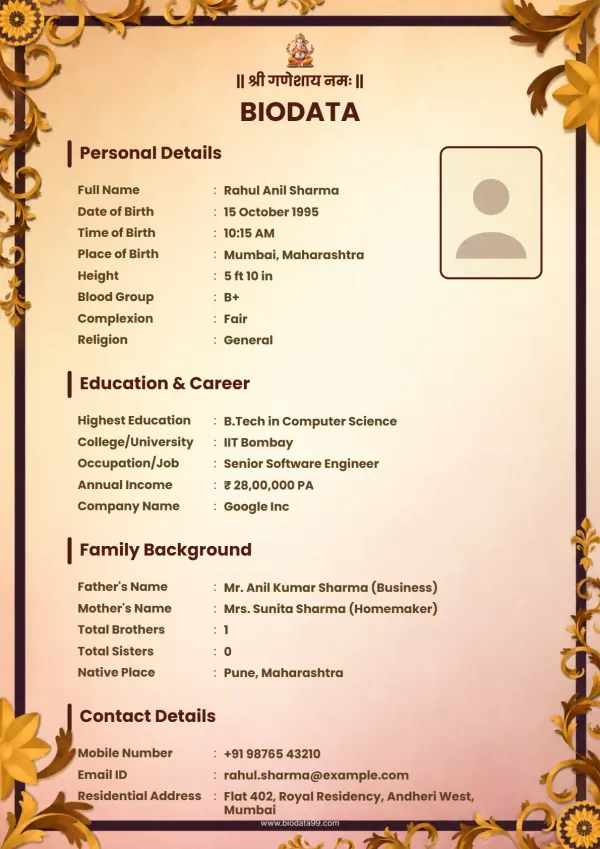
₹49Timeless Royal Frame
 ₹59
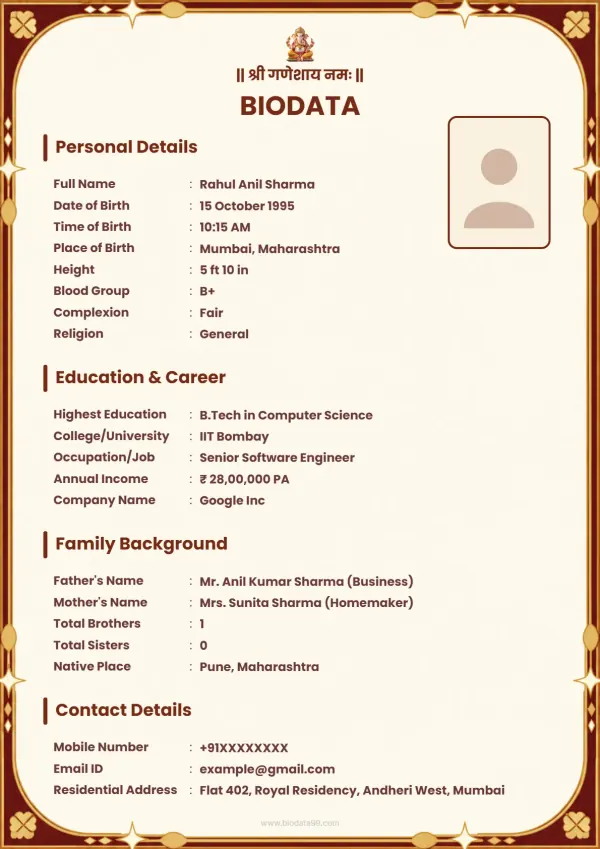
₹59Imperial Maroon Border
 ₹49
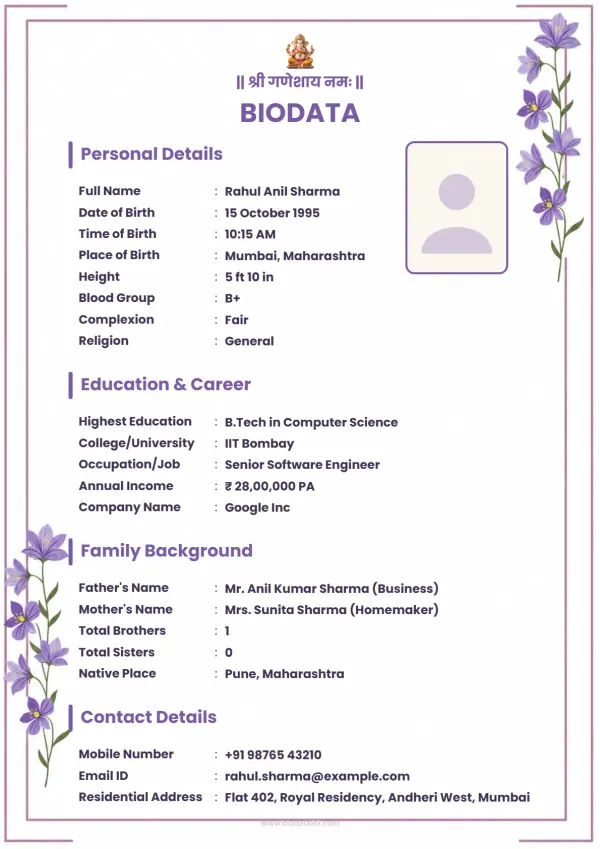
₹49Orchid Bloom Border
 ₹49
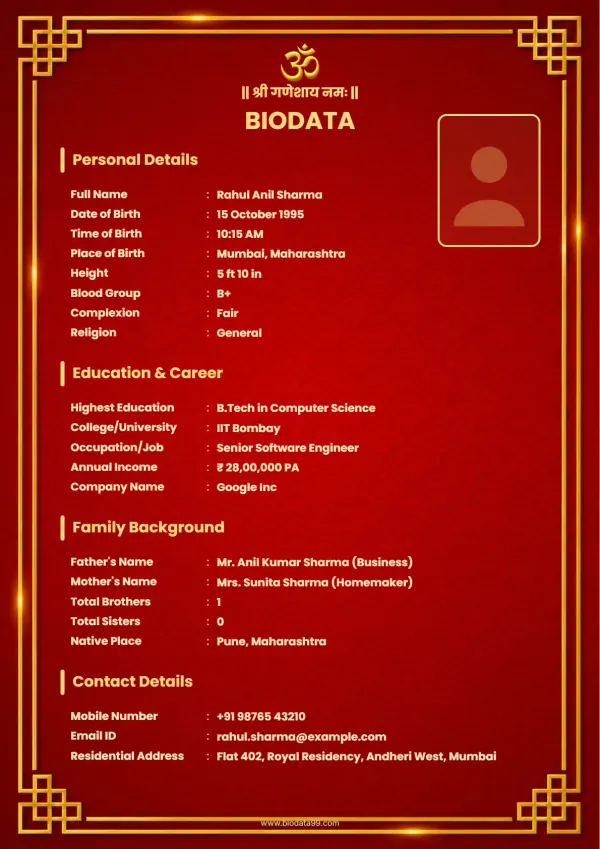
₹49Golden Legacy
 ₹49
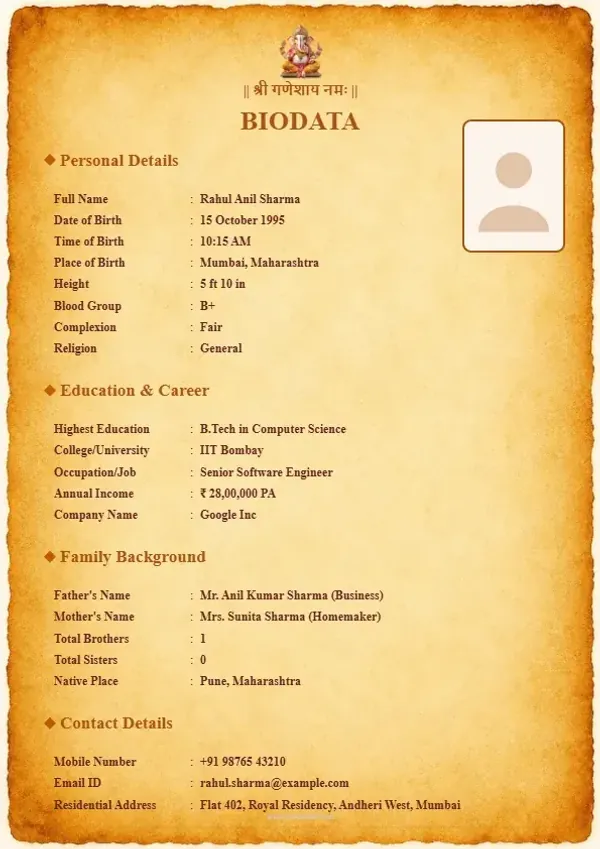
₹49Royal Parchment
 ₹79
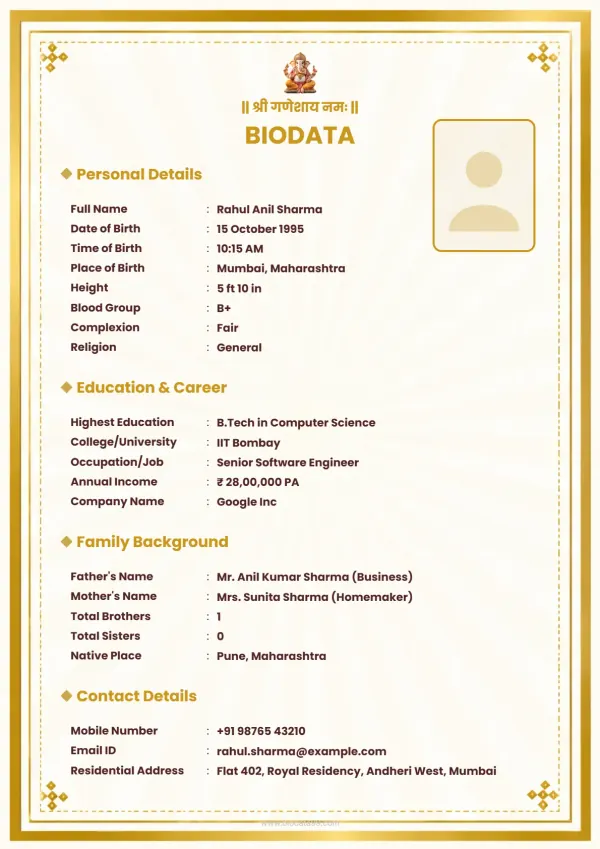
₹79Golden Whisper
 ₹49
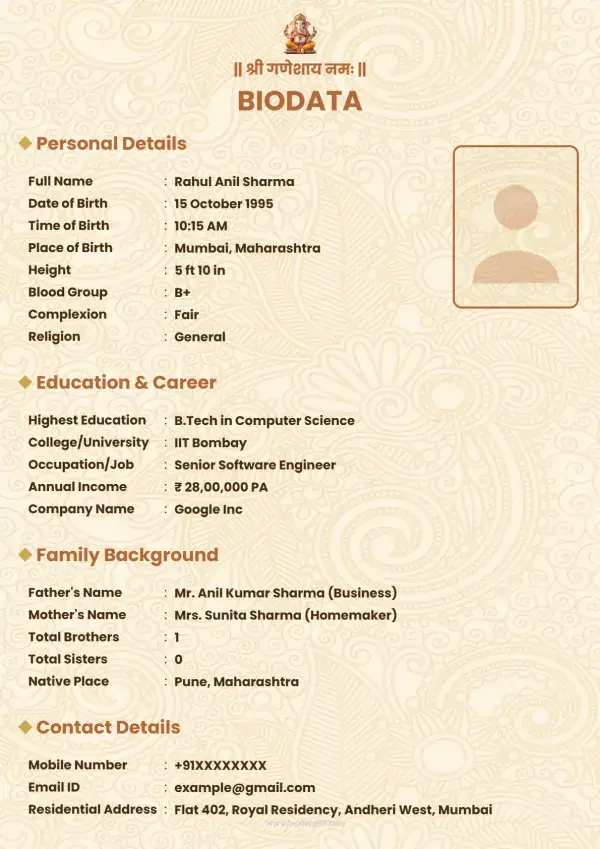
₹49Floral Grace
 ₹49
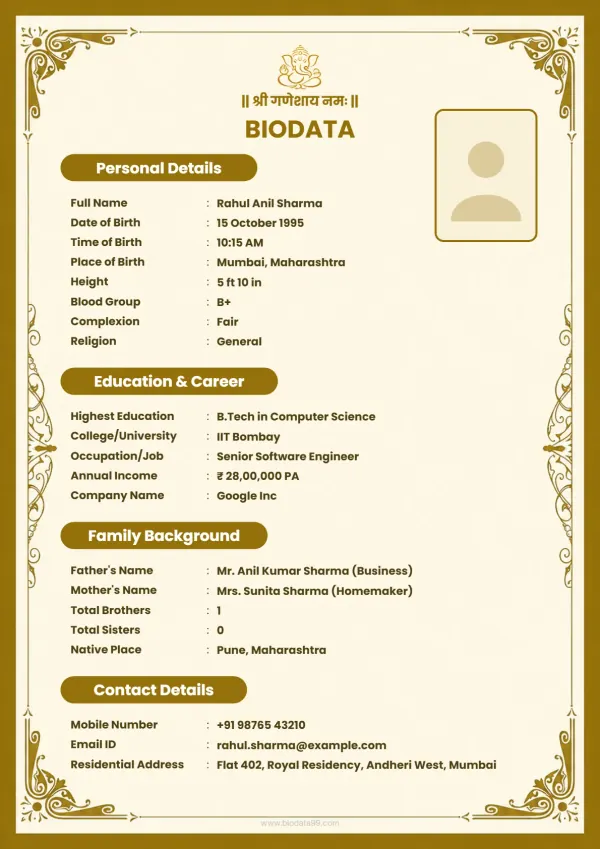
₹49Golden Classic
 ₹49
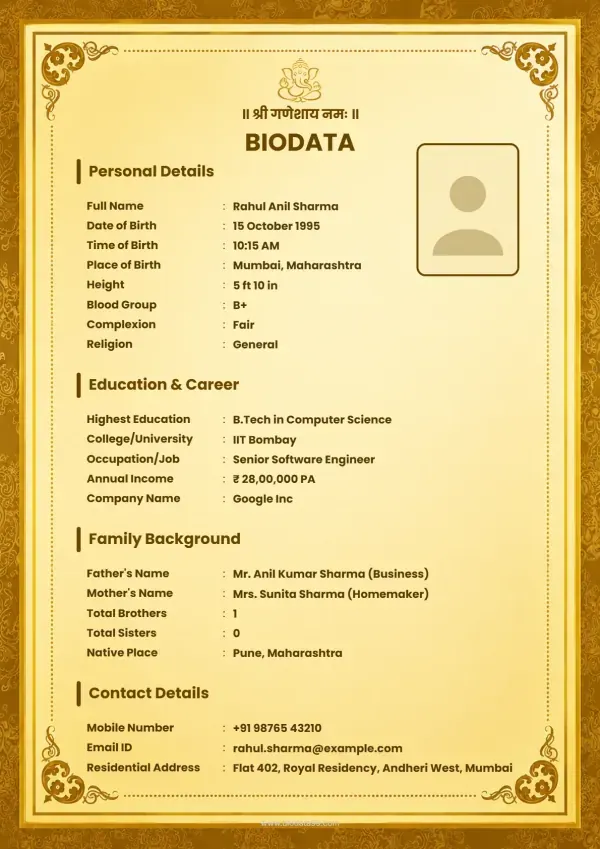
₹49Maharaja Gold
 ₹79
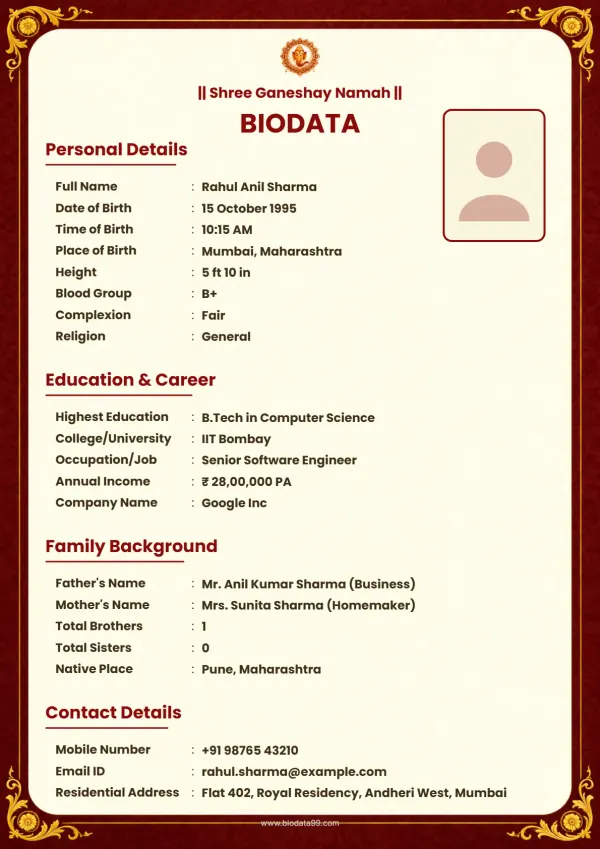
₹79Elegant maroon
 ₹49
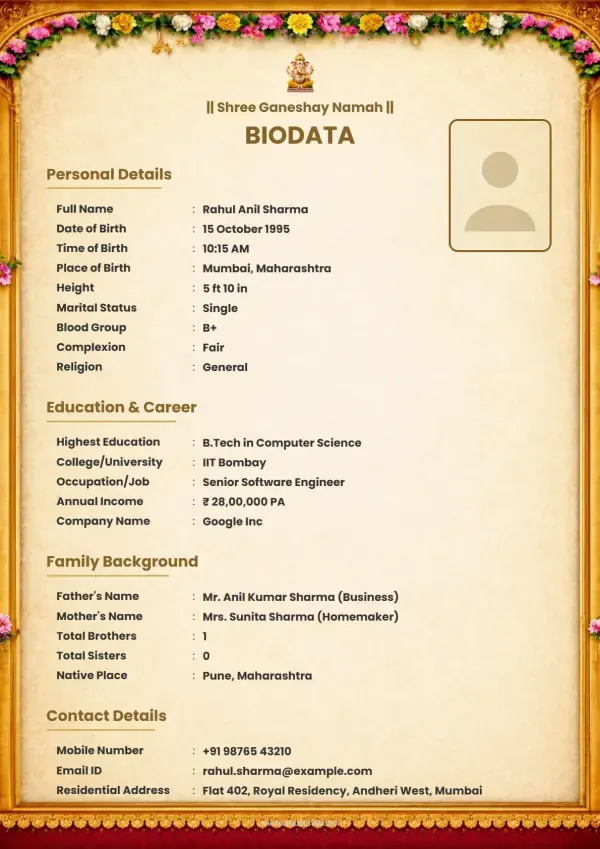
₹49Suvarna Dwaar Pravesh
 ₹49
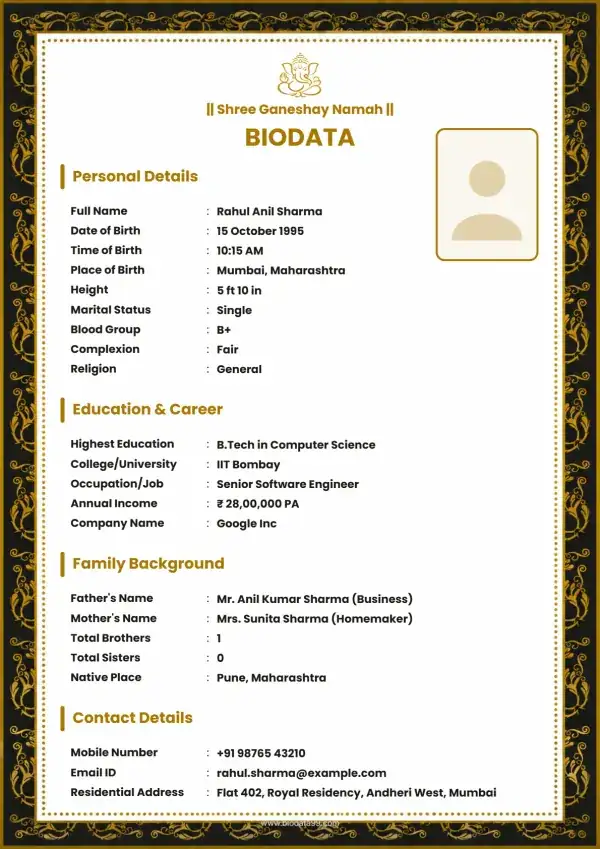
₹49Shubh Mangal Dwar
 ₹49
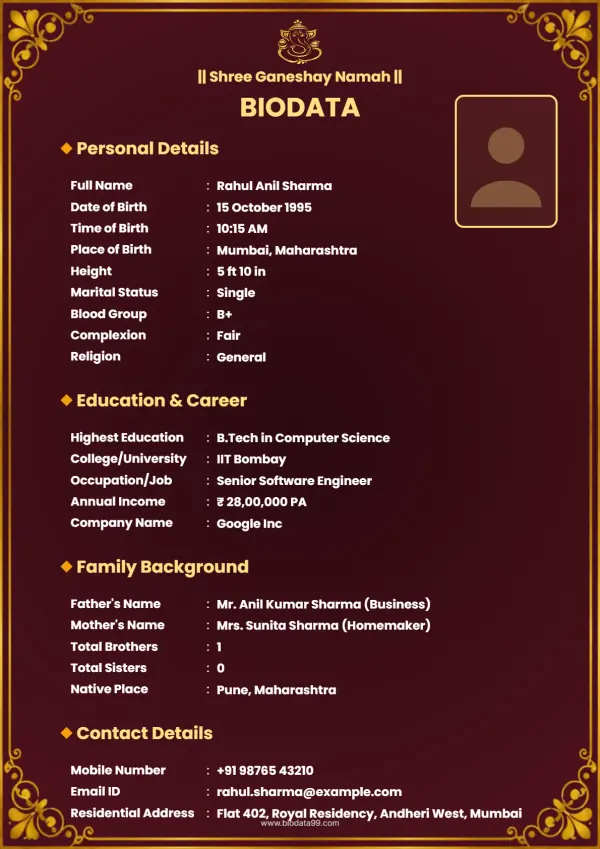
₹49Mangal Swarna Dwar
 ₹49
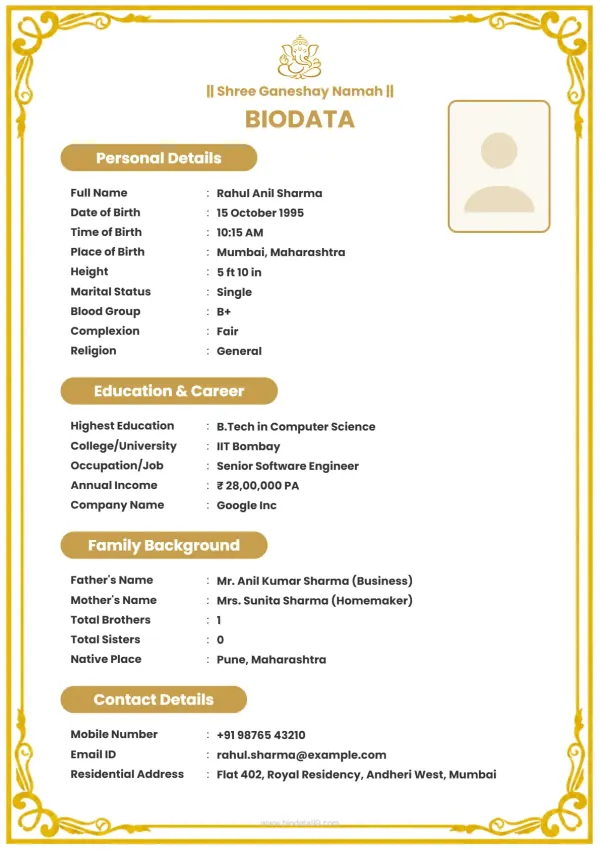
₹49Navya Arch Gilded
 ₹49
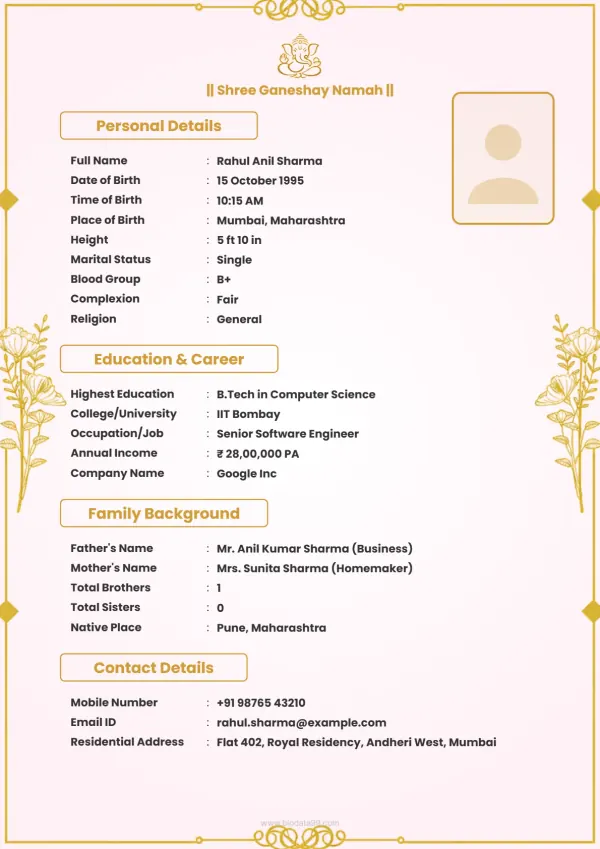
₹49Swarna Mangal Dwar
 ₹79
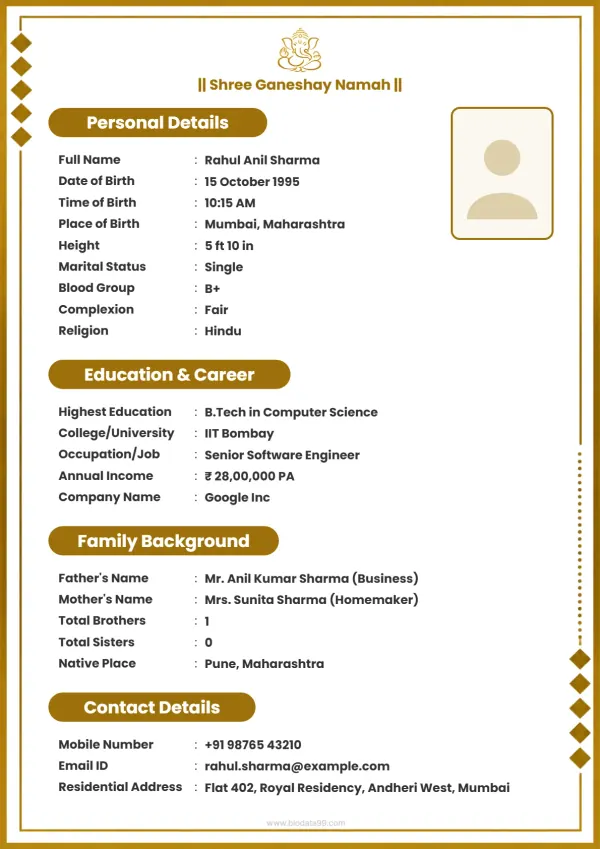
₹79Mangal Vaibhav Roop
 ₹49
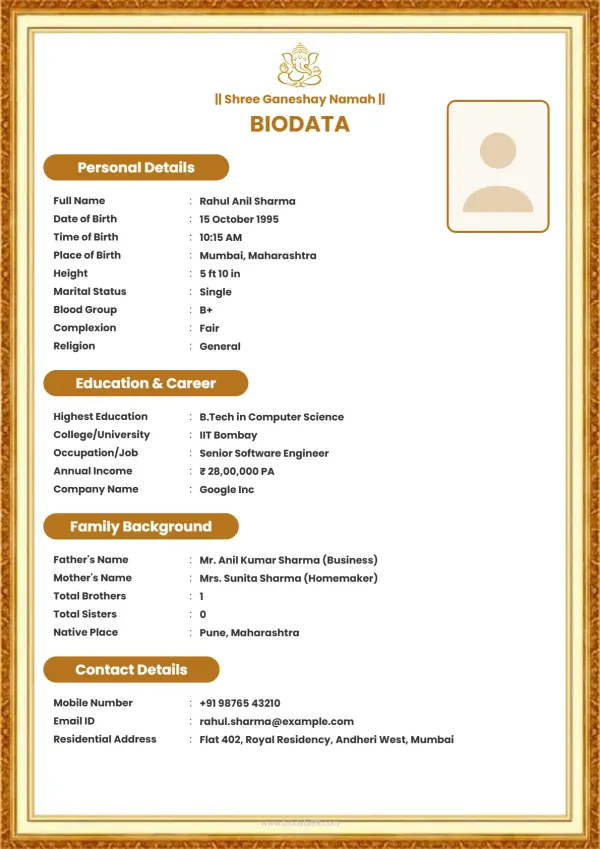
₹49Suvarna Arch Aura
 ₹79
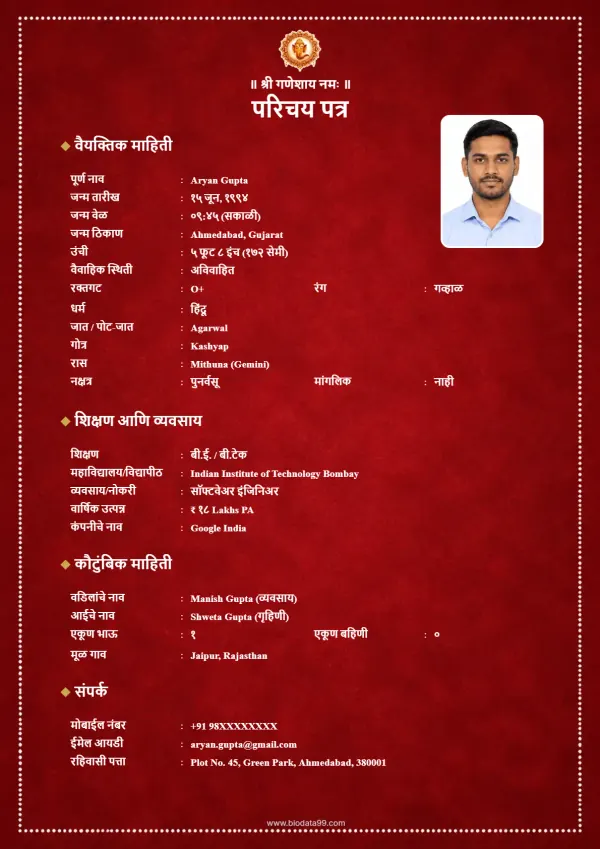
₹79Gilded Elegance
 ₹79
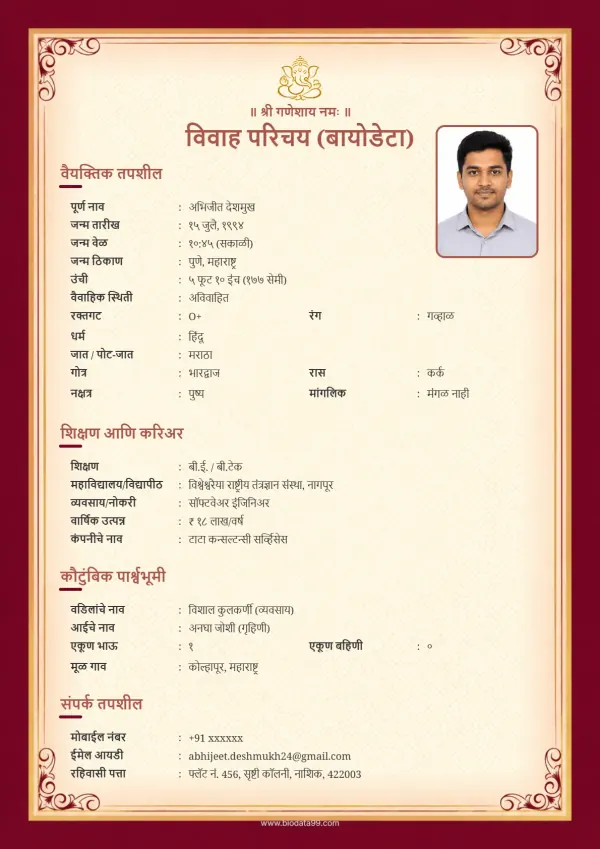
₹79Ruby Splendor
 ₹49
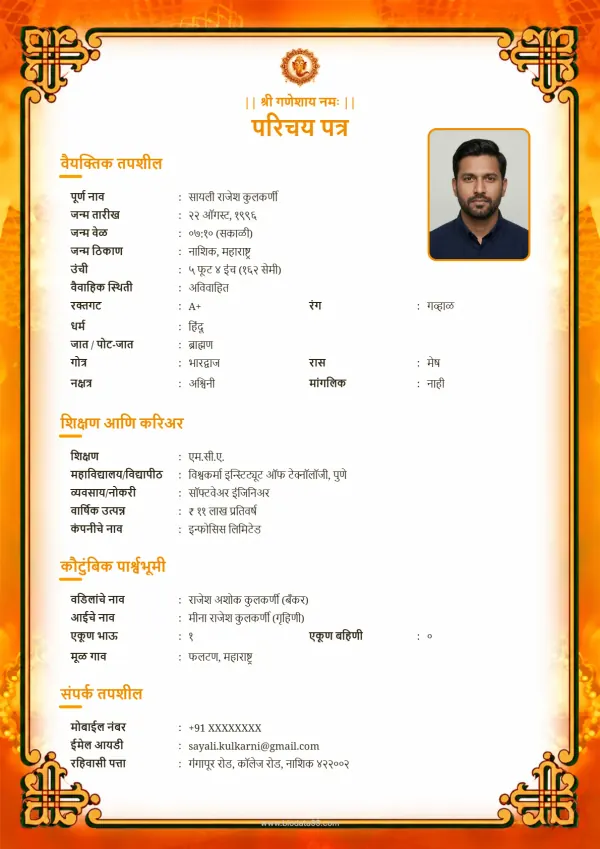
₹49Marigold Splendor
 ₹49
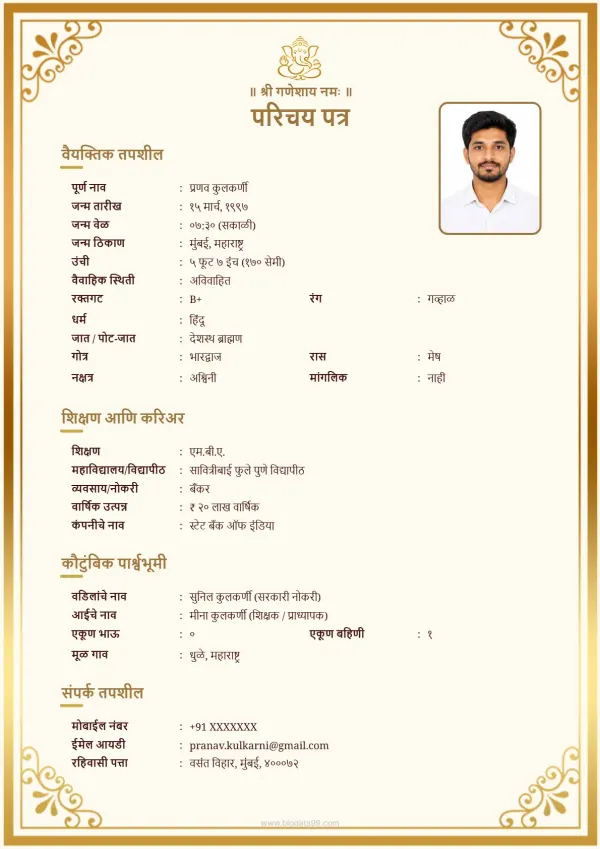
₹49Golden Heritage
 ₹49
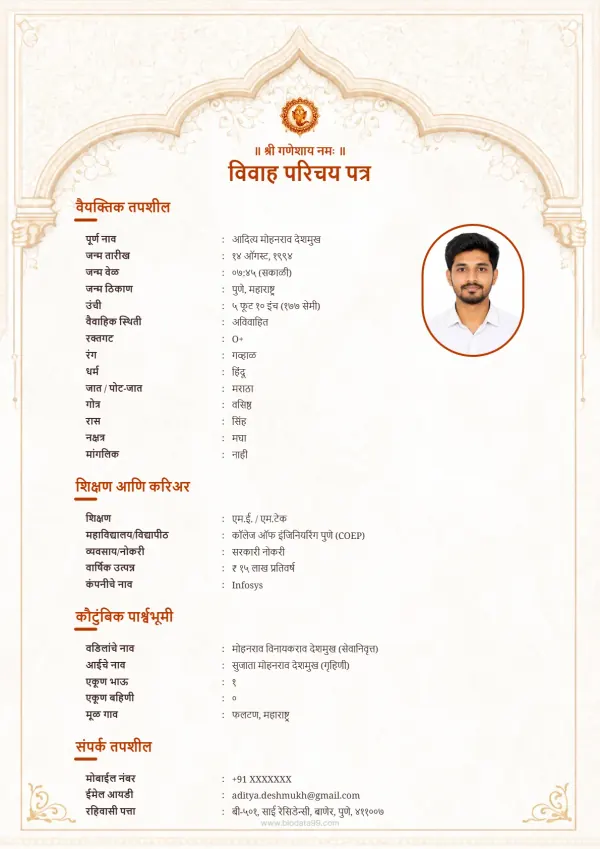
₹49Elegant Arch Biodata
 ₹49
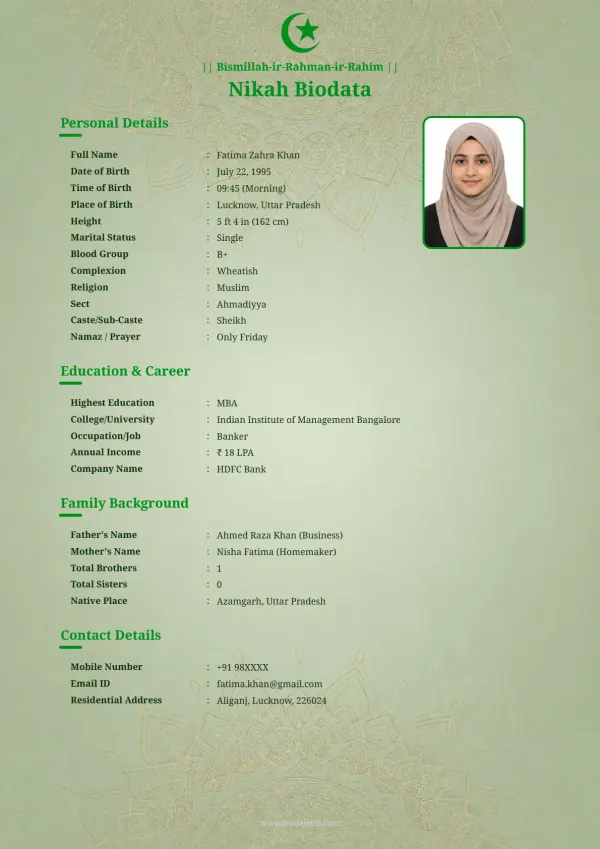
₹49Modern Muslim
 ₹30
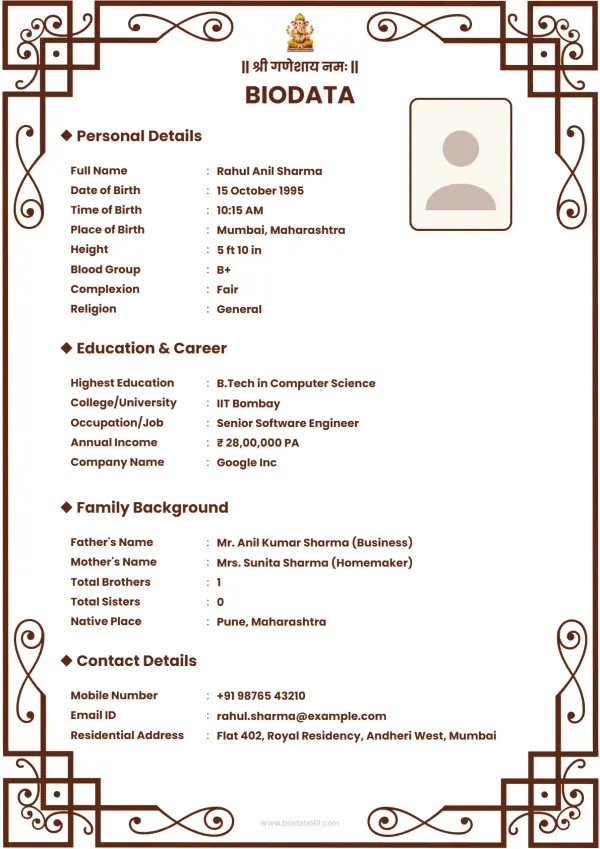
₹30Traditional Hindi Shaadi Biodata Template with Decorative Border – Vivah Parichay Design
 ₹49
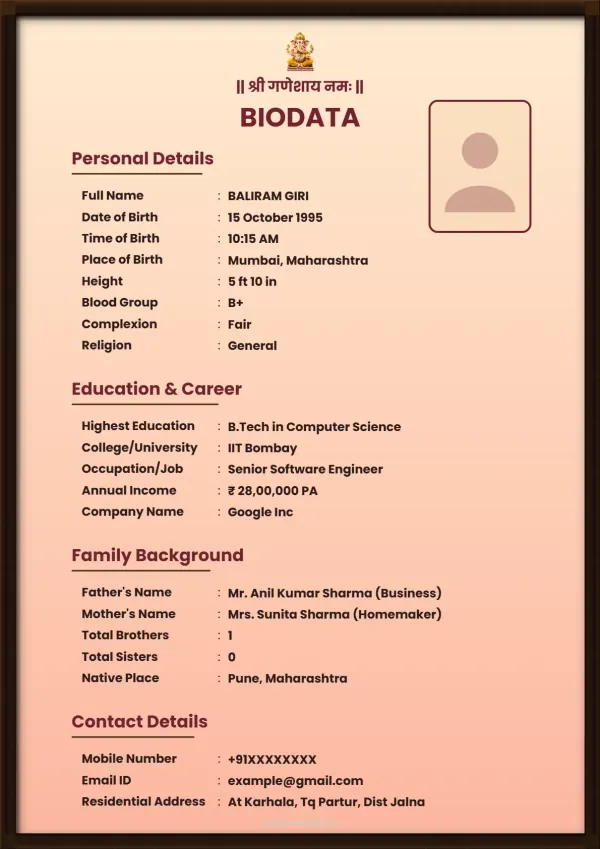
₹49Traditional Marathi Vivah Parichay Biodata Template
 ₹49
₹49Shubh Vivah Parichay – Marathi Marriage Biodata Template
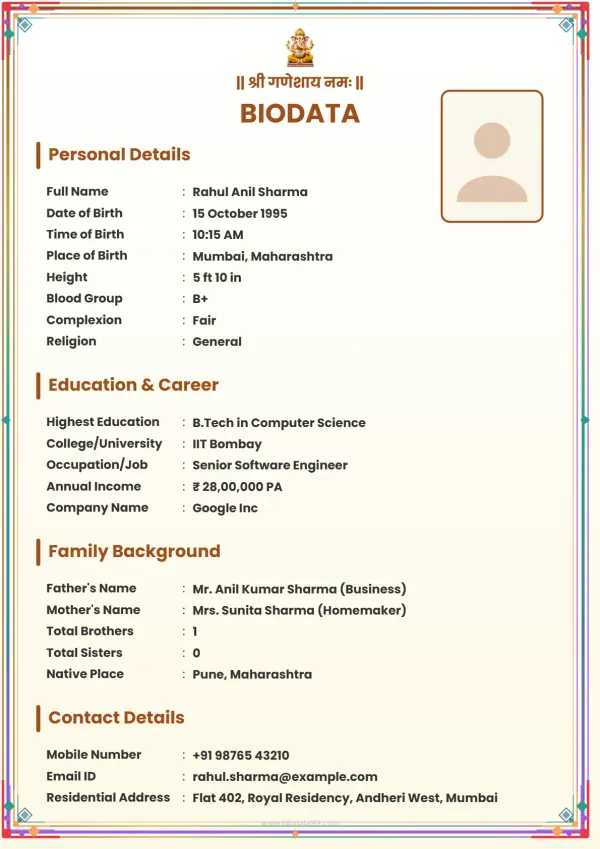 ₹49
₹49Personalize Your Marriage Biodata Your Way
Whether you prefer a traditional look with religious motifs or a modern minimalist design, our easy-to-use editing tools let you adjust every detail with no design skills needed. We also provide dedicated tools such as our Tamil Marriage Biodata Maker, Marathi Biodata Maker, specialized Muslim Biodata formats, and a comprehensive hindu marriage biodata maker tailored for different cultural expectations.
What You Can Customize
Let's walk you through everything you can edit and customize inside the creator studio:
Once you select a template, you enter the biodata editor, a powerful, easy-to-use design studio built specifically for Indian marriage biodatas. Everything you see on the left sidebar controls a different aspect of your biodata. Here's what each tool does:
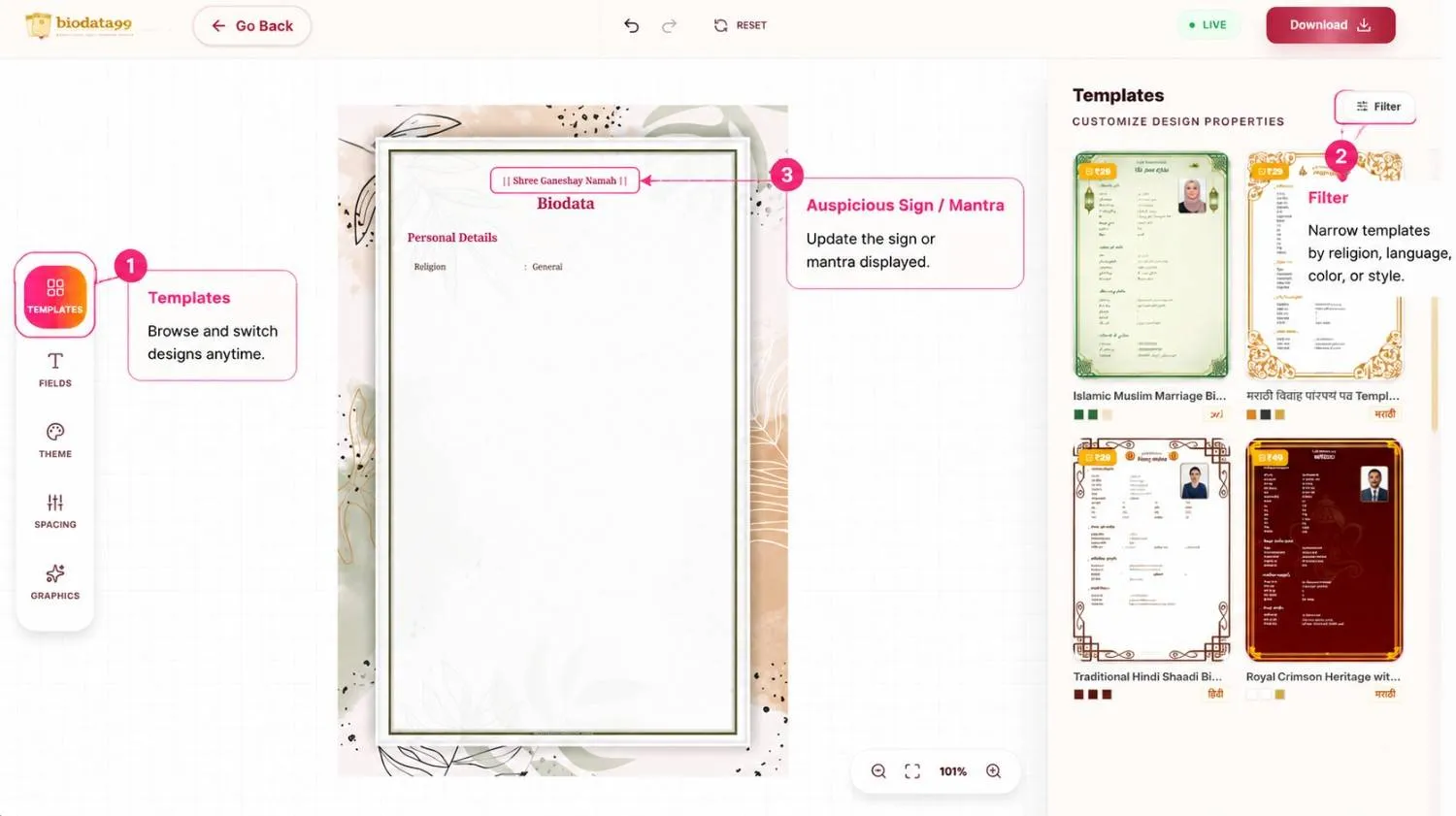
Step 1: Templates
💡 Caption: Browse templates, filter by religion or language, and customize the biodata heading or mantra.
Click the Templates icon in the left sidebar to browse and switch between available designs at any time. Your information carries over automatically when you switch templates.
Use the Filter option (top right of the template panel) to narrow down templates by religion, language, color, or style, making it easy to find the perfect match.
At the top of the editor, you can also update the auspicious sign or mantra displayed on your biodata — such as "|| Shree Ganeshay Namah ||", "Bismillah", "Ik Onkar", or any other religious line.
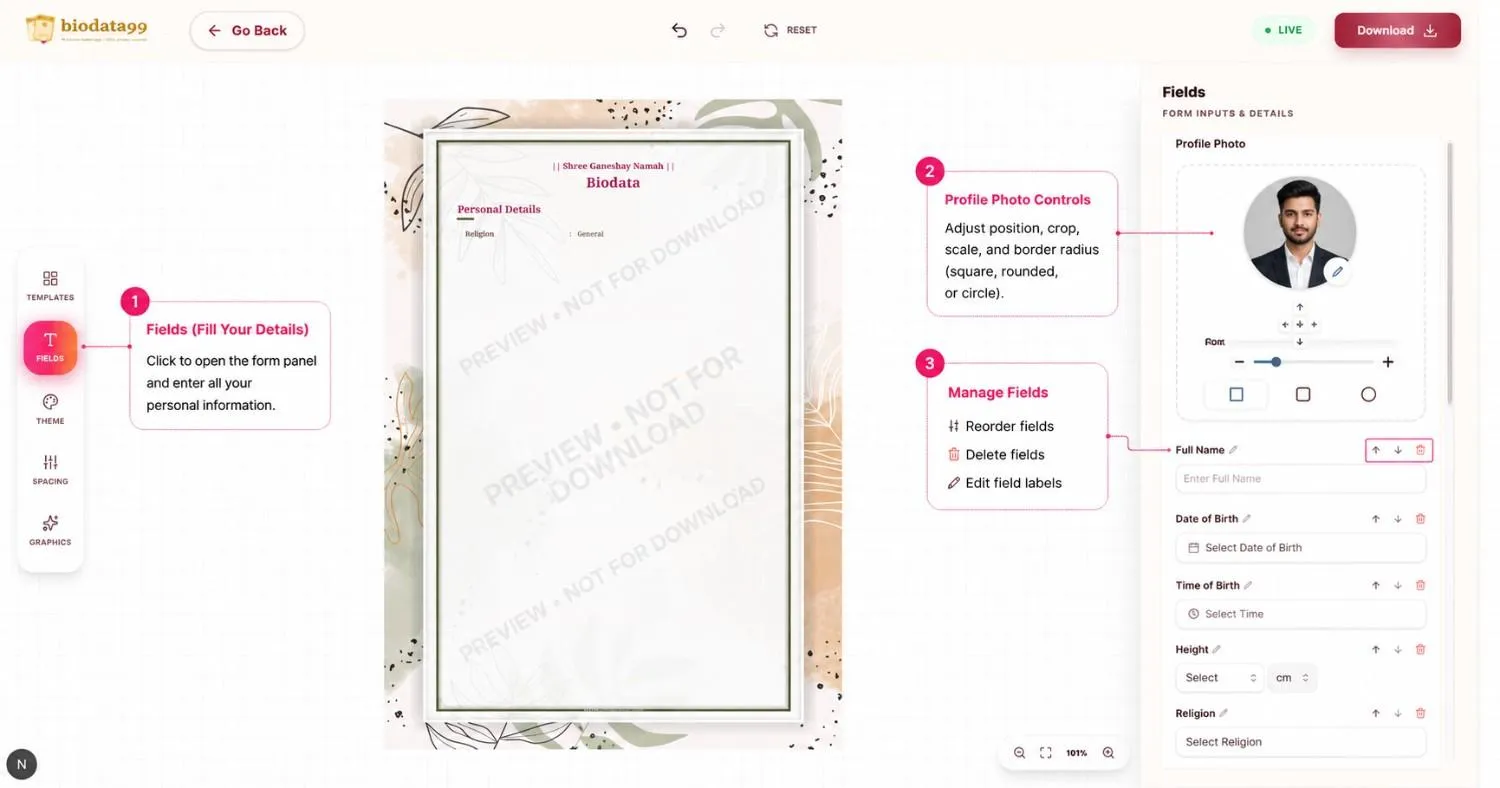
Step 2: Fields (Fill Your Details)
💡 Caption: Add personal information, manage fields, and customize your profile photo.
Click the Fields icon to open the form panel where you enter all your personal information — Full Name, Date of Birth, Time of Birth, Height, Religion, and much more.
- Reorder fields using the up/down arrows next to each field
- Delete fields you don't need using the trash icon
- Edit field labels by clicking the pencil icon
- Adjust your profile photo position, crop, scale, and border radius (square, rounded, or circle shape)
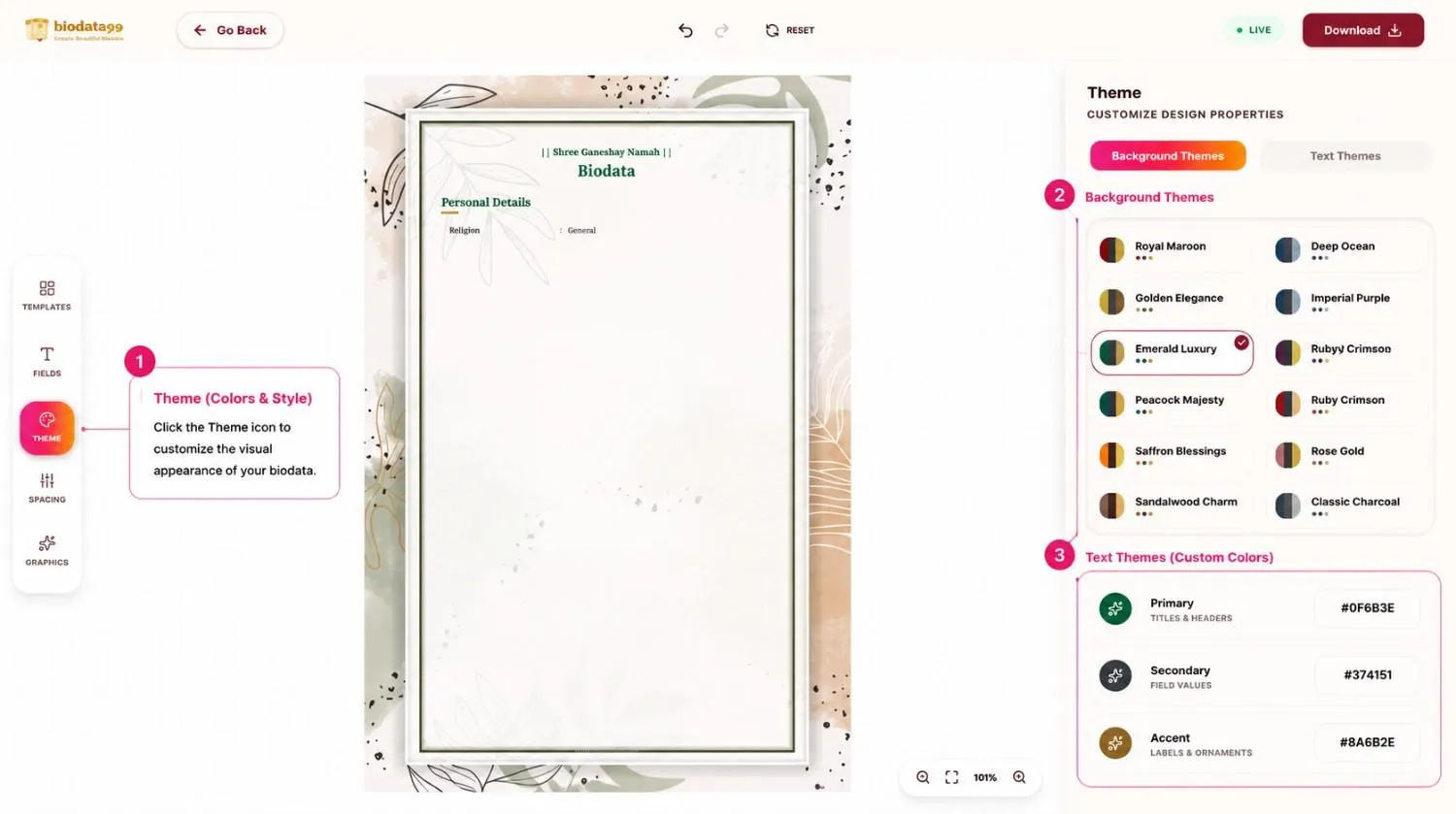
Step 3: Theme (Colors & Style)
💡 Caption: Choose background themes and adjust title, label, and text colors.
Click the Theme icon to customize the visual appearance of your biodata.
Background Themes: Choose from curated palettes including Royal Maroon, Golden Elegance, Emerald Luxury, Deep Ocean, Imperial Purple, Peacock Majesty, and more.
Text Themes: Fine-tune individual text colors for Titles & Headers (Primary), Field Values (Secondary), and Labels & Ornaments (Accent) using custom hex codes or the color picker.
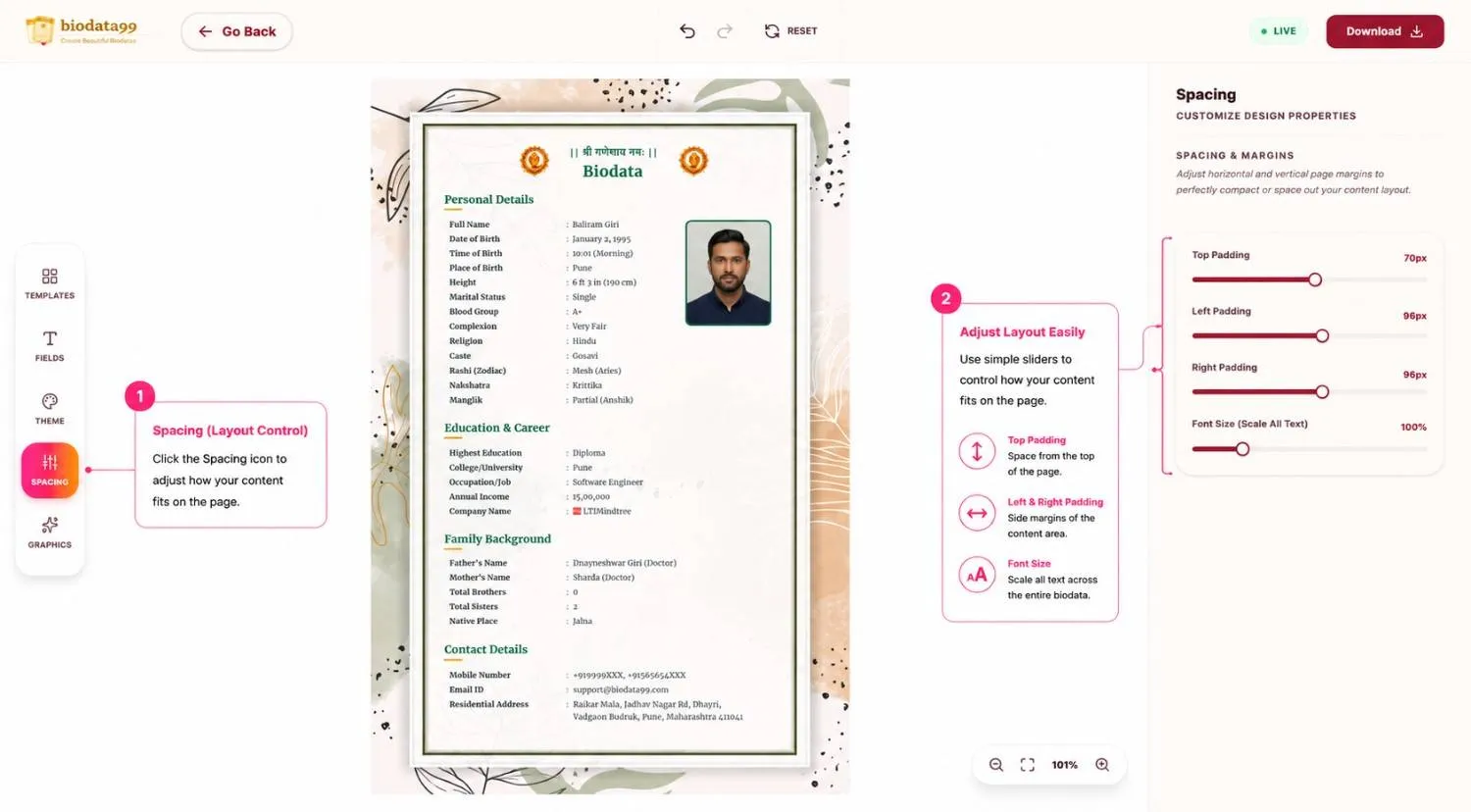
Step 4: Spacing (Layout Control)
💡 Caption: Fine-tune page spacing, margins, and font size to fit your content perfectly.
Click the Spacing icon to adjust how your content fits on the page. This is especially useful when you have too much content (overflowing) or too little content.
Use simple sliders to adjust:
- Top Padding — space from the top of the page
- Left & Right Padding — side margins of the content area
- Font Size — scale all text across the entire biodata
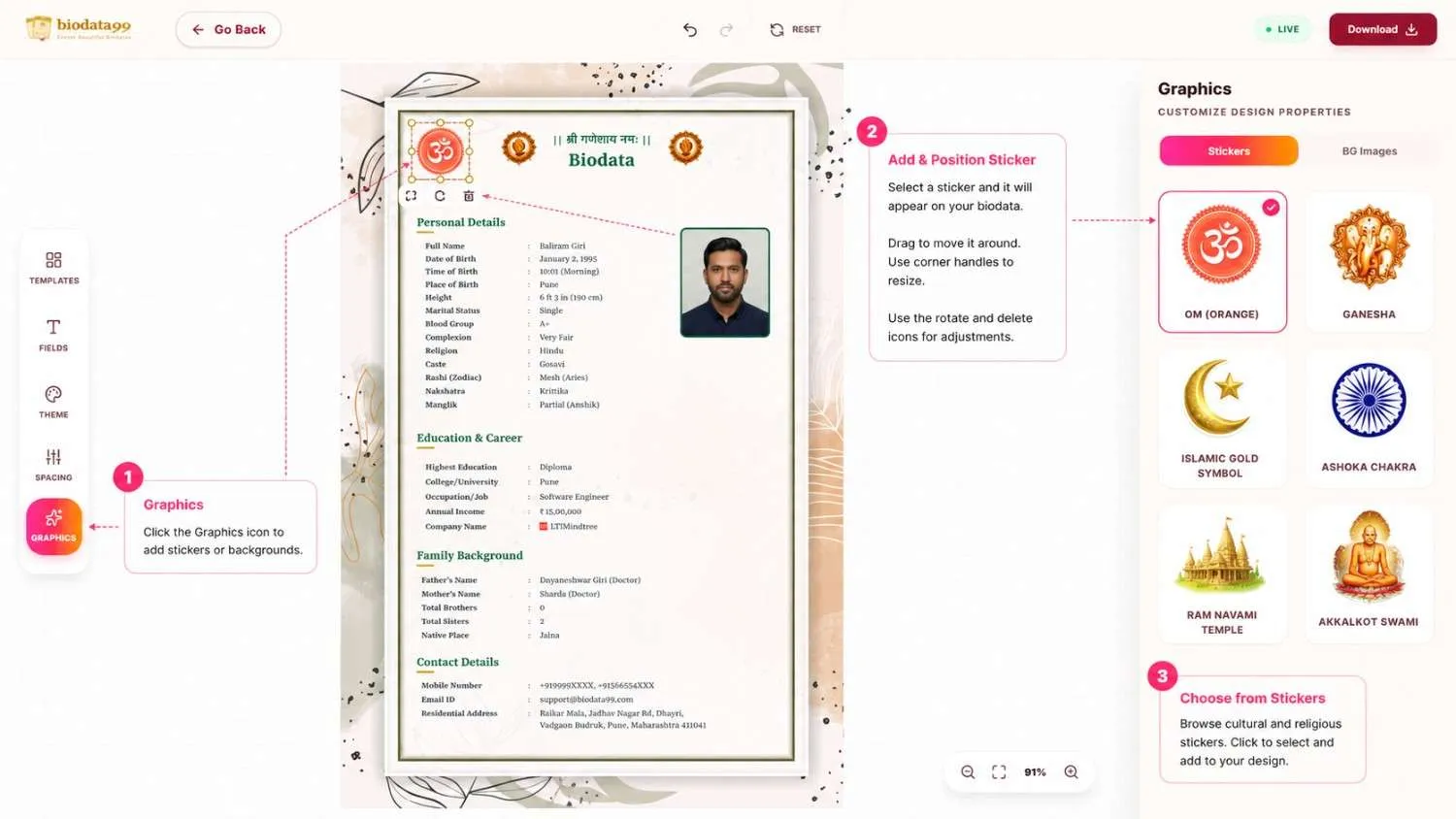
Step 5A: Graphics Stickers
💡 Caption: Choose stickers and freely drag, resize, rotate, or reposition them on your biodata.
Click the Graphics icon to add religious and cultural visual elements to your biodata.
Stickers: Browse cultural graphics representing all major Indian communities (Ganesha, Islamic Gold Symbol, Crescent Moon, Ashoka Chakra, Ram Navami Temple, Akkalkot Swami, etc.). Drag, scale, and position them freely on the canvas.
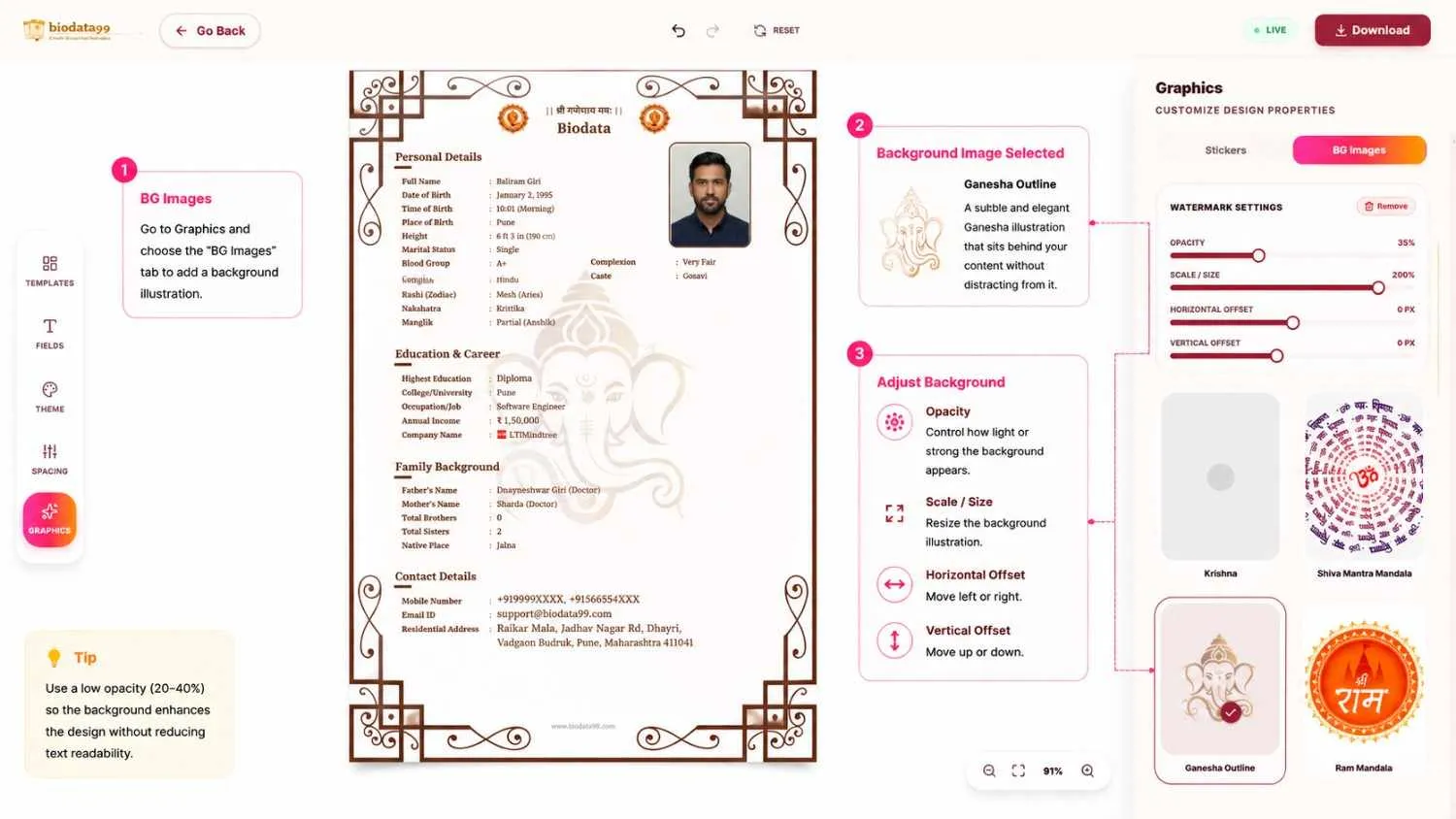
Step 5B: Background Images
💡 Caption: Add decorative background illustrations and adjust opacity, scale, and positioning.
Enhance the background layer of your biodata layout with elegant decorative illustrations.
BG Images: Choose subtle illustrations (like Krishna, Shiva Mandala) that blend behind your content as decorative textures without covering the text. Adjust the opacity to ensure text readability remains perfect.
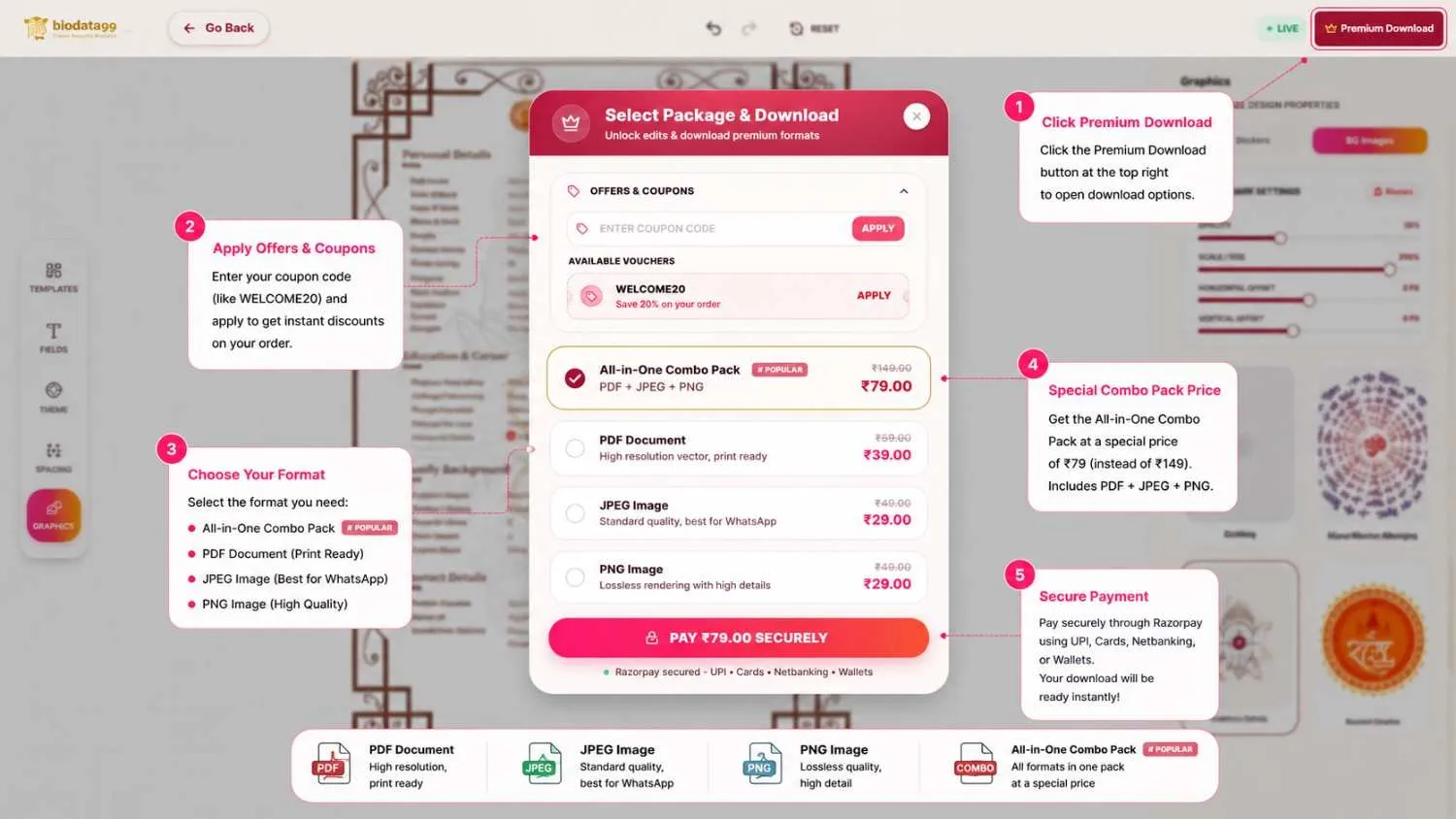
Step 6: Download Your Biodata
💡 Caption: Download your biodata in PDF, JPEG, PNG, or all-in-one combo format.
Once you're happy with your design, click the Download button (top right).
Free Templates: Download in print-ready PDF, JPEG (High-Resolution), PNG, or the All-in-One Combo Pack.
Premium Templates: Unlock access in all formats at the highest quality. Features automatic discount vouchers (like WELCOME20) and a special bundled Combo Pack (₹149 instead of ₹249). Payments are fully secured via Razorpay.
🏢 Company Logo: Auto Search & Display on your Biodata
A unique feature exclusively on biodata99.com: search your company name and your official logo appears automatically on your biodata:
Global Company Coverage
Searches companies from all over the world
Auto Logo Rendering
Official logo fetched instantly, no upload needed
Professional Appearance
Logo sits beautifully next to your work details
Saves Time
No manual image hunting or cropping required
Pro Tip: Made a mess? Hit Reset to restore the template to its original state, your form details stay safe!
Looking for Editable Word (.DOCX) Templates?
Download free Microsoft Word marriage biodata formats to edit offline on your computer or phone.
Frequently Asked Questions
Got questions about biodata templates or editing? Find quick answers below.
Can't decide which template is right?
Don't worry! You can change your template and layout style with a single click inside the editor **without losing any filled details**. Start with any design and customize it later.