
Everything about a marriage biodata in Word
This page gives you free editable biodata files and shows how to fill them in properly. Pick a sample for your community, type your details, and keep the Word file as your master copy. If you would rather share a fixed-layout file, see our marriage biodata format PDF page.
Written and edited by Baliram Giri, Founder, Biodata99 · Last updated
Key takeaways
- A Word biodata is an editable .docx with a photo area and sections for personal, family, education and contact details.
- This page has 40 free sample files, grouped by community and language, with groom and bride versions.
- Edit the file, check it on a phone, then save a PDF copy to send and keep the .docx to edit later.
- The online biodata maker downloads PDF, JPG and PNG, not Word.
What is a marriage biodata Word format?
A marriage biodata is a short profile that families share when they consider a match. A marriage biodata Word format is that profile as a ready-made .docx file. It has a photo area and rows for personal details, horoscope, education, career, family and contact. A .docx file is the editable document format that Word saves, and it also opens in Google Docs. You type your own details over the placeholders and can change them whenever your job, city or expectations change.
People choose Word because it is easy to edit and works on any laptop. For example, a parent or cousin can fix a spelling without a special app. However, a Word file can look different on another device. That is why the steps below end with a PDF copy. Also remember that a biodata is only an introduction and not a legal document. Registering a marriage is a separate step handled by state governments under laws such as the Hindu Marriage Act, 1955, as the Delhi government revenue department explains for Delhi. Also, our samples are made-up profiles, so replace every name and number before you share one.
What do the free Word samples look like?
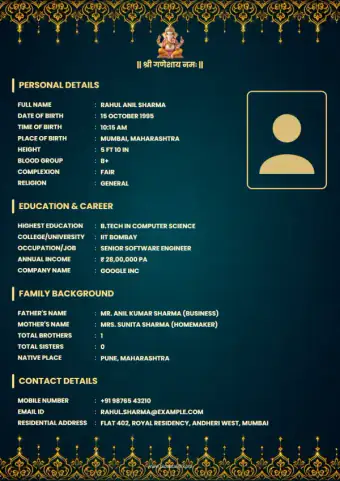
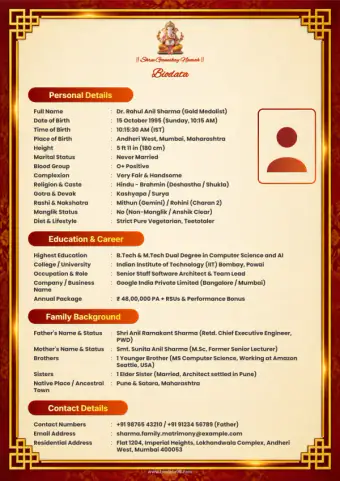
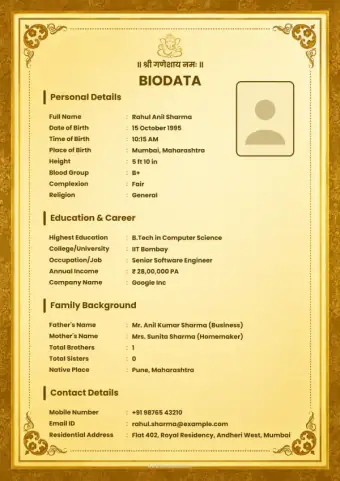
First, here is page one of six samples exactly as they open in Word. Then tap a download button to get the editable file. Finally, the next section lists every community.
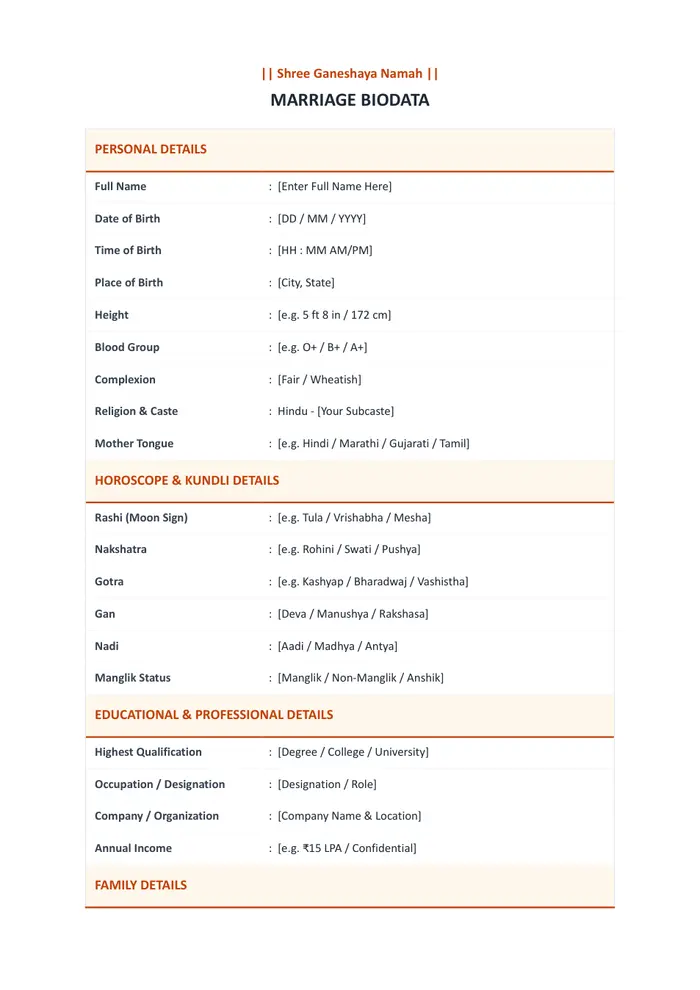
Blank marriage biodata in Word
Download Word (.docx)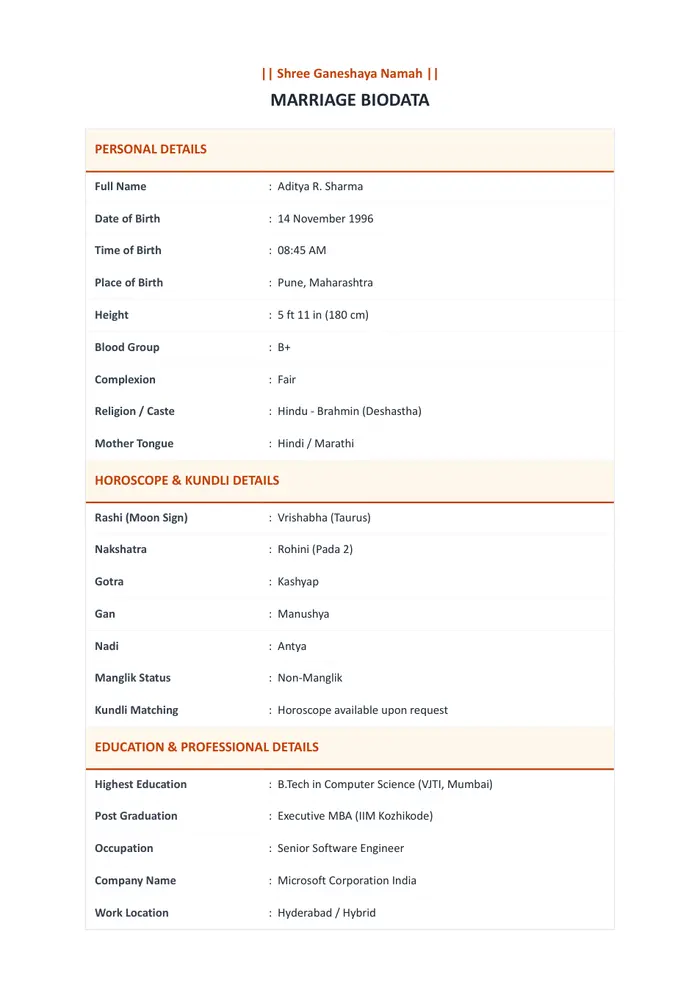
Groom biodata in Word
Download Word (.docx)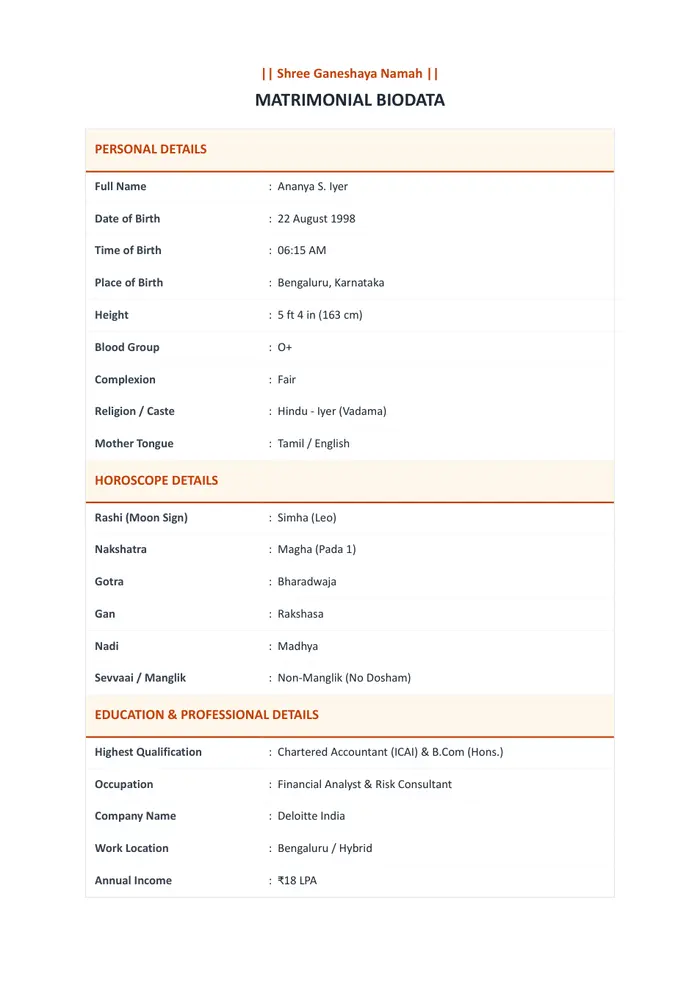
Bride biodata in Word
Download Word (.docx)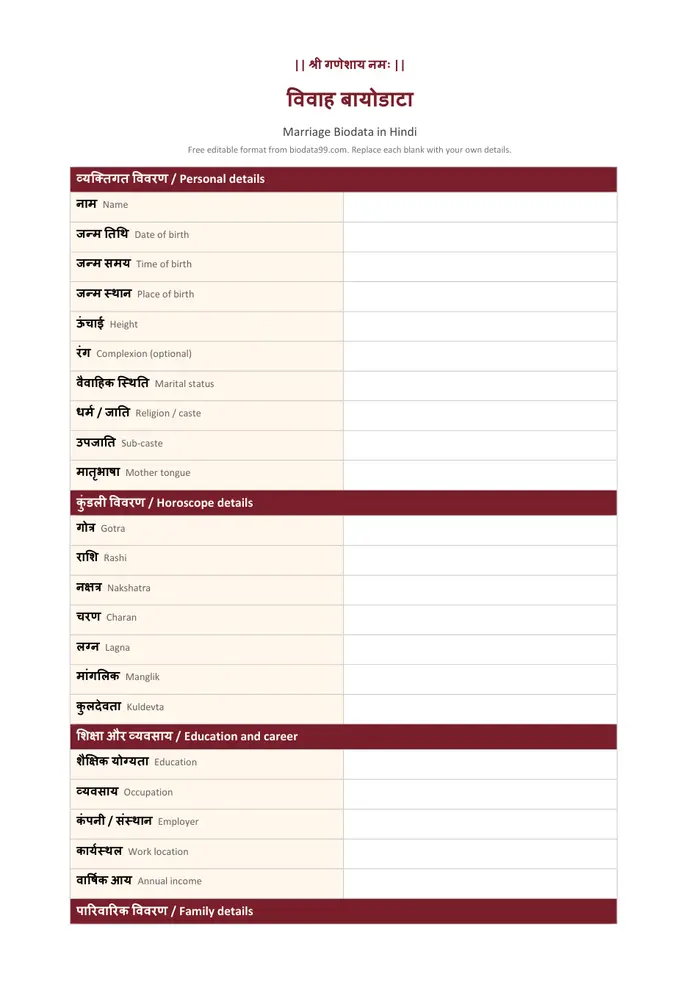
Hindi biodata in Word
Download Word (.docx)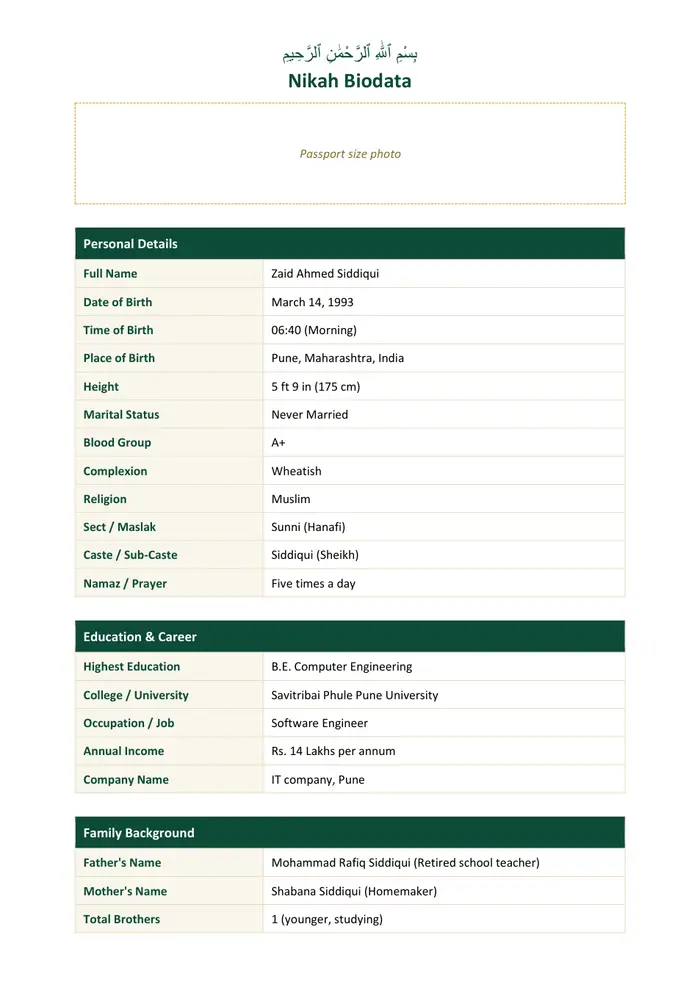
Nikah biodata in Word
Download Word (.docx)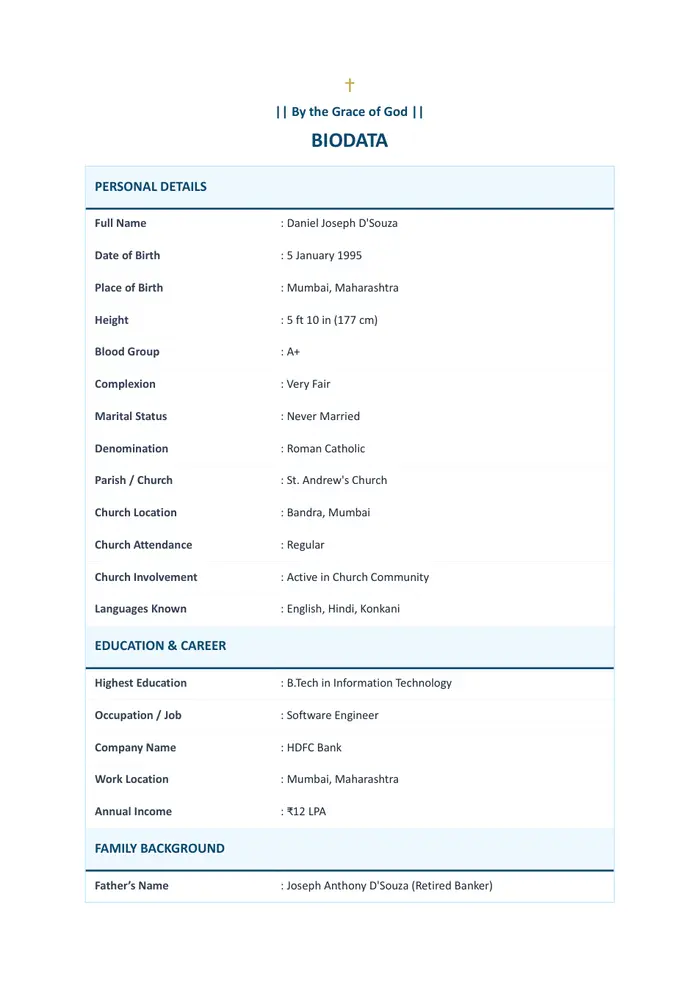
Christian groom biodata in Word
Download Word (.docx)All 40 marriage biodata Word formats by community
Choose your community and language. Most have a general sample plus a groom and a bride version. Each file is a free sample with made-up details. If you want a Hindu-specific guide to the boy and girl versions, read the Hindu Word biodata guide.
Muslim (Nikah)
How long are the Word samples? We opened all 40
Before publishing this page, we tested every sample by opening it in Microsoft Word, and we measured the A4 page count of each of the 40 files. In our testing, only 9 stayed on one page. Because most files run past one page, step 4 above shows how to tighten one.
| Pages in Word | Files | Which ones |
|---|---|---|
| 1 page | 9 | Buddhist (3), Gujarati (3), Marathi, Muslim girl English and Urdu |
| 2 pages | 26 | Blank, Hindu, Hindi, Christian, Bengali, Tamil, Telugu, Kannada and the other Muslim files |
| 3 pages | 5 | Jain, Jain groom, Jain bride, Digambar, Shwetambar (longer, with lineage and relative details) |
Method: we opened each .docx in Microsoft Word on Windows on 16 November 2026, with a sample size of all 40 files, and read the page count from Word. While testing, we also found five Jain files that Word could not open, and we repaired them. Page counts can change with the fonts installed on your device.
What should you write in each field of a Word biodata?
Every sample follows the same order, because that is the order families read in. So use this table as a checklist while you replace the placeholders. Keep each line short and factual.
| Section | What to write | Example |
|---|---|---|
| Header | A short blessing or just Bio-Data, centred at the top | || Shri Ganeshaya Namah || |
| Photo | One recent passport-size photo, top right or in a box | Plain background, face clearly visible |
| Personal details | Name, date, time and place of birth, height, complexion, marital status | Aditya R. Sharma, 14 November 1996, 5 ft 11 in |
| Religion and community | Religion, caste or sect, mother tongue | Hindu, Brahmin, Marathi |
| Horoscope (if used) | Rashi, nakshatra, gotra, manglik status | Vrishabha, Rohini, Kashyap, Non-Manglik |
| Education and career | Highest qualification, job, employer, work city, income range if you wish | B.Tech, Software Engineer, Hyderabad |
| Family details | Parents' names and work, siblings, native place | Father: retired teacher; one younger sister |
| Partner expectations | Two or three lines, not a long list | Educated, family-oriented |
| Contact | One phone or WhatsApp number and the city | +91 98XXX XXXXX, Pune |
How to make a marriage biodata in MS Word in 5 steps
Allow about twenty minutes the first time. Next, the same steps work in Google Docs, which can open and edit .docx files, with small menu differences. For a decorative frame, Microsoft explains how to add a border to a page.
- 1
Download a blank sample
Pick the blank Word biodata or a sample for your community from the list above. The file is a .docx that opens in MS Word, Google Docs and the Word mobile app.
- 2
Replace the placeholders
Click each bracketed text such as [Enter Full Name Here] and type your own details. Delete any row you do not need, such as the horoscope block for families that do not use it.
- 3
Add your photo
Click inside the photo area, then choose Insert, Pictures and pick a recent portrait. Set the picture to In Front of Text or inside a table cell so it stays at the top right.
- 4
Fit the content on a page
Most samples open as two A4 pages. To tighten one, set the margins to Narrow, use font size 10 or 11, and shorten the family and expectation lines.
- 5
Check it and save a PDF copy
Read it once on a phone. Then choose File, Save As and pick PDF to share it on WhatsApp, and keep the .docx so you can edit it later.
For step 5, Microsoft's guide shows how to export a Word document as a PDF on Windows, Mac, the web and mobile. Keep the .docx too, because a PDF is hard to edit.
What goes wrong when you edit a biodata in Word?
Most trouble comes from fonts, photos and table height. However, each one has a quick fix, so here is what goes wrong and how to repair it.
| Problem | Usual cause | Fix |
|---|---|---|
| The layout changed on another phone or computer | The other device does not have your font | Use a common font such as Calibri, Arial or Nirmala UI, or save a PDF copy before sending. |
| The photo jumps to the next page | The picture is set to move with the text | Right-click the picture, open Wrap Text and choose In Front of Text, then drag it to the top right. |
| Hindi or Marathi text shows as boxes | The font has no Devanagari letters | Select the text and change the font to Mangal, Nirmala UI or Noto Sans Devanagari. |
| There is a second page with one line on it | The table is slightly too tall | Narrow the margins, reduce row height, or delete a low-value row. |
| The table borders look uneven | Cell borders were copied from another file | Select the table, open Table Design, and apply one border style to all cells. |
| Editing is slow or text will not move | Text is locked inside a text box | Click the box edge, copy the text, and paste it into a normal table cell. |
How do you keep a Word biodata clean?
Keep a master copy
Save one clean .docx with all your details. Make a new copy each time you change the job, city or expectations.
Use a table, not spaces
A two-column table keeps labels and answers aligned. Pressing the space bar to line things up breaks on other devices.
Name the file clearly
Something like Rahul-Sharma-Biodata.docx is easy to find in a chat or email.
Send PDF, keep Word
A PDF looks the same everywhere. The Word file is for you to edit.
Match the font to the language
Use a Devanagari, Tamil or Bengali font that is installed on most phones and computers.
Keep contact details short
One number that someone will answer. Skip ID numbers and the full home address.
What families search for when they need a Word biodata
We analyzed India search demand in November 2026, using Semrush, to decide what this page must answer. Most people ask for the Word file itself, so the downloads come first.
| Search in India | Searches per month | Where this page answers it |
|---|---|---|
| marriage biodata word format | 14,800 | Whole page, previews and downloads |
| hindu marriage biodata format in word | 1,600 | Hindu samples in the downloads list |
| marriage biodata word format download | 1,300 | Download list by community |
| marriage biodata word format free download | 720 | Samples marked free to download |
| marriage biodata format in ms word | 320 | How to edit it in MS Word, steps 1 to 5 |
| bio data for marriage girl in word format | 110 | Bride and girl samples |
Method: we measured monthly volumes for India in Semrush in November 2026, for six search phrases. They are rounded estimates, not exact counts.
How is a boy's Word biodata different from a girl's?
The sections are the same for both. A groom's file usually gives more space to the job, employer or business, and family background. A bride's file often highlights education, interests and family values, and some families leave out income. Our groom and bride samples are set up that way, so start from the one that fits and delete what you do not need.
For longer wording help, read the guide to the biodata format for marriage for girl, the boy marriage biodata format page, and our guide on how to write a biodata for marriage.
Which Word biodata fits your language or community?
The Hindi, Marathi, Gujarati, Bengali, Tamil, Telugu and Kannada samples carry the local field names. If letters show as boxes, change the font to a Unicode font for that script, such as Mangal or Nirmala UI. Open a language or community page for local wording and more samples.
Want a designed biodata instead of editing a file?
Word is good when you enjoy formatting. If you would rather pick a finished design with a border and photo frame, use the online biodata maker. Choose from 86 templates, fill in your details and check the live preview. The maker downloads PDF, JPG and PNG, not Word, and you see the price before you pay. See all designs in biodata templates.
How this page was put together (editorial note)
Written and edited by Baliram Giri, with an editorial check of every file before publishing. The Word samples were made by the Biodata99 team with made-up details, and the previews above are screenshots of the first page as it opens in Microsoft Word. Search volumes come from Semrush for India in November 2026. Questions or a file that will not open? Contact us.